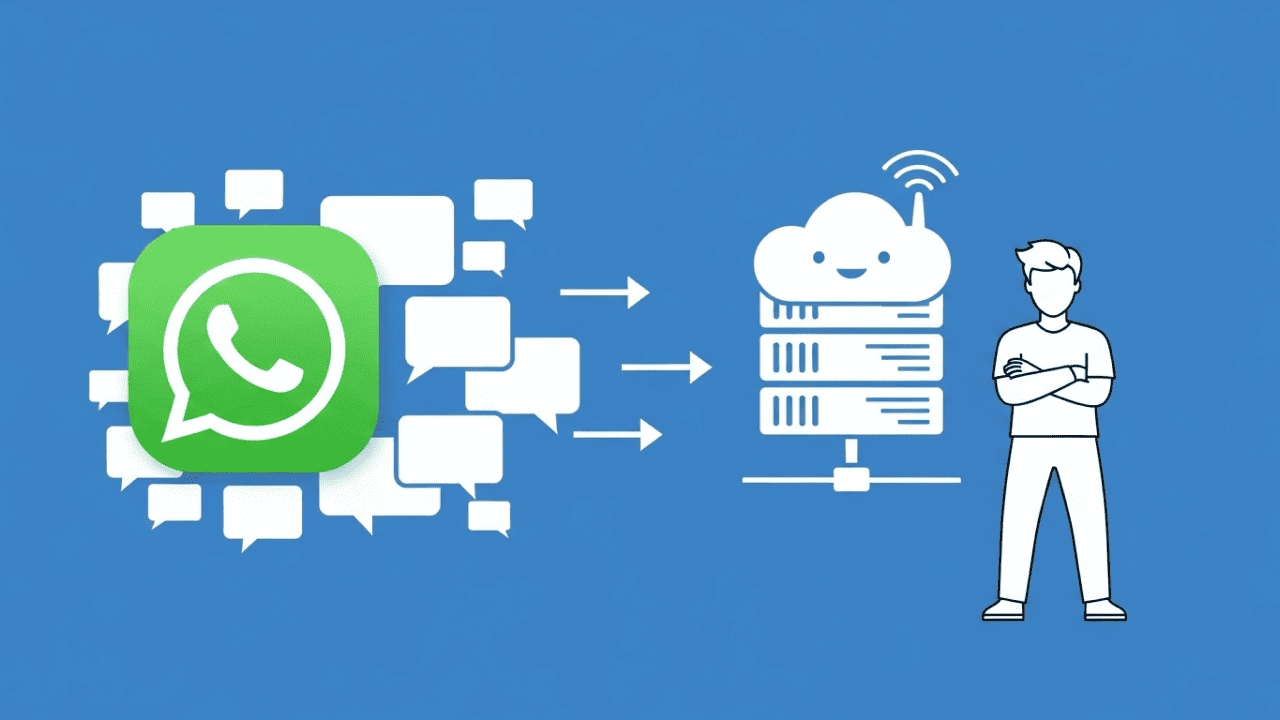

WhatsApp Webhooks are the reason some companies respond to customer inquiries in seconds – while others take hours. If you're still using polling in 2026 (constantly querying the API for new messages), you're burning server resources and losing customers to faster competitors.
This guide shows you how to set up webhooks correctly, which architecture mistakes 90% of developers make, and why you must update your trust store by March 31, 2026 – or you'll stop receiving events in April.
Warning: mTLS Certificate Update on March 31, 2026
Before we dive into the technical details, here's the information you won't find in most tutorials:
Meta is switching the Certificate Authority (CA) for mTLS webhooks on March 31, 2026.
According to the official Meta Developer Documentation, certificates will no longer be signed by DigiCert but by Meta's own CA starting from that date. Here's what this means for you:
- You must add the new Meta CA certificate (
meta-outbound-api-ca-2025-12.pem) to your trust store - Without the update: TLS handshake failures starting April 2026
- Consequence: Your server will receive no webhook events – no incoming messages, no status updates, nothing
Most developers won't notice until their systems suddenly go silent in April. If you have mTLS verification enabled (which you should for security reasons), you need to act now.
What Are WhatsApp Webhooks – And Why Polling Is No Longer an Option
A webhook works on the principle of "Don't call us, we call you." Instead of knocking on Meta's door every few seconds asking "Anything new?", Meta automatically sends you the data the moment something happens.
Polling vs. Webhooks – The Hard Facts:
| Aspect | Polling | Webhooks |
|---|---|---|
| Latency | Seconds to minutes | Milliseconds |
| Server Load | High (constant requests) | Only on actual events |
| API Rate Limits | Quickly reached | Not a factor |
| Real-Time Capability | No | Yes |
For WhatsApp automation, this is the difference between "customer writes, bot responds instantly" and "customer writes, waits, gets frustrated, buys elsewhere."
Technical Deep Dive: Setup and Payload Structure
The Verification Handshake
Before Meta sends you events, it verifies that your endpoint exists and belongs to you. This happens via a GET request:
GET https://your-server.com/webhook?hub.mode=subscribe&hub.challenge=1234567890&hub.verify_token=YOUR_TOKEN
Your server must validate the hub.verify_token against your stored value and, if successful, return the hub.challenge value as plain text.
app.get('/webhook', (req, res) => {
  const mode = req.query['hub.mode'];
  const token = req.query['hub.verify_token'];
  const challenge = req.query['hub.challenge'];

  if (mode === 'subscribe' && token === process.env.VERIFY_TOKEN) {
    res.status(200).send(challenge);
  } else {
    res.sendStatus(403);
  }
});
Understanding Payload Structure (Warning: Arrays!)
After successful verification, Meta sends events as JSON via POST. Important: The structure entry → changes → value → messages consists of arrays. Under high load, Meta batches multiple messages into a single webhook.
The most common beginner mistake: Only querying messages[0] and thus losing the second, third, or fourth message in a batch.
Correct Processing with Loops:
app.post('/webhook', (req, res) => {
  const body = req.body;

  if (body.object !== 'whatsapp_business_account') {
    return res.sendStatus(404);
  }

  // Iterate through all entries (array!)
  for (const entry of body.entry) {
    // Iterate through all changes (array!)
    for (const change of entry.changes) {
      const value = change.value;

      // Process incoming messages
      if (value.messages) {
        for (const message of value.messages) {
          handleIncomingMessage(message);
        }
      }

      // Process status updates
      if (value.statuses) {
        for (const status of value.statuses) {
          handleStatusUpdate(status);
        }
      }
    }
  }

  res.status(200).send('OK');
});
Example Payload for a Text Message:
{
  "object": "whatsapp_business_account",
  "entry": [{
    "id": "WHATSAPP_BUSINESS_ACCOUNT_ID",
    "changes": [{
      "value": {
        "messaging_product": "whatsapp",
        "metadata": {
          "display_phone_number": "15551234567",
          "phone_number_id": "PHONE_NUMBER_ID"
        },
        "messages": [{
          "id": "wamid.abc123",
          "from": "15557654321",
          "timestamp": "1704067200",
          "type": "text",
          "text": { "body": "I'd like to place an order" }
        }]
      },
      "field": "messages"
    }]
  }]
}
The status values sent, delivered, and read show you exactly where your message is – essential for reporting and debugging. The WhatsApp Business API gives you this granularity that you'll never get with the regular WhatsApp Business app.
Media Handling: Why Your Webhook Doesn't Contain Images
This is where most developers stumble: When a customer sends an image, the webhook payload does not contain the image itself. For performance reasons, Meta only delivers a media_id.
Here's What an Image Payload Looks Like:
{
  "messages": [{
    "id": "wamid.xyz789",
    "from": "15557654321",
    "type": "image",
    "image": {
      "id": "MEDIA_ID_123456",
      "mime_type": "image/jpeg",
      "sha256": "HASH_VALUE"
    }
  }]
}
To actually download the image, you need two additional API calls:
Step 1: Retrieve Media URL
GET https://graph.facebook.com/v21.0/MEDIA_ID_123456
Authorization: Bearer ACCESS_TOKEN
Step 2: Download Image
The response contains a temporary URL (url) where you can retrieve the image for approximately 5 minutes. After that, it expires.
async function downloadMedia(mediaId) {
  // 1. Get URL
  const mediaInfo = await fetch(
    `https://graph.facebook.com/v21.0/${mediaId}`,
    { headers: { Authorization: `Bearer ${ACCESS_TOKEN}` } }
  ).then(r => r.json());

  // 2. Download image (URL valid for ~5 min only)
  const imageBuffer = await fetch(mediaInfo.url, {
    headers: { Authorization: `Bearer ${ACCESS_TOKEN}` }
  }).then(r => r.arrayBuffer());

  return imageBuffer;
}
The same applies to: Videos, audio, documents, and stickers. The media_id is always just a pointer – you need to fetch the asset separately.
Interactive Messages: Button Clicks and List Selections
In 2026, interactive messages are standard. When a customer clicks a button or selects an option from a list, the payload looks different:
Button Reply:
{
  "messages": [{
    "type": "interactive",
    "interactive": {
      "type": "button_reply",
      "button_reply": {
        "id": "btn_confirm_order",
        "title": "Confirm Order"
      }
    }
  }]
}
List Reply:
{
  "messages": [{
    "type": "interactive",
    "interactive": {
      "type": "list_reply",
      "list_reply": {
        "id": "size_medium",
        "title": "Size M",
        "description": "Medium (US 8-10)"
      }
    }
  }]
}
These interactions are gold for automation: The customer makes a structured selection, you get a unique id back, and you can steer the flow accordingly. Companies like CusBCLO use exactly this mechanism for their welcome and response flows.
Architecture Guide: Webhooks That Work Under Load
The Problem: Synchronous Processing
The classic mistake: Webhook comes in, you process the message, save it to the database, maybe trigger a response – and only then return HTTP 200.
The result: Meta waits. The API expects a response within seconds. If your processing takes longer, Meta marks the webhook as failed and starts the retry logic.
Meta's Retry Policy: 24-36 Hours of Exponential Backoff
If your server doesn't respond with HTTP 200, Meta doesn't give up immediately. The platform uses exponential backoff and tries to deliver the webhook for up to 24-36 hours – with decreasing frequency.
This explains why you sometimes receive old webhooks the next morning: Meta kept trying all night.
The problem: During a real traffic spike (Black Friday, campaign launch), you don't just get current webhooks but also all the retries from the past hours. This can bring your server to its knees for good.
The Solution: Queue-First Architecture
The rule is simple: Receive, store, confirm immediately. Processing comes later.
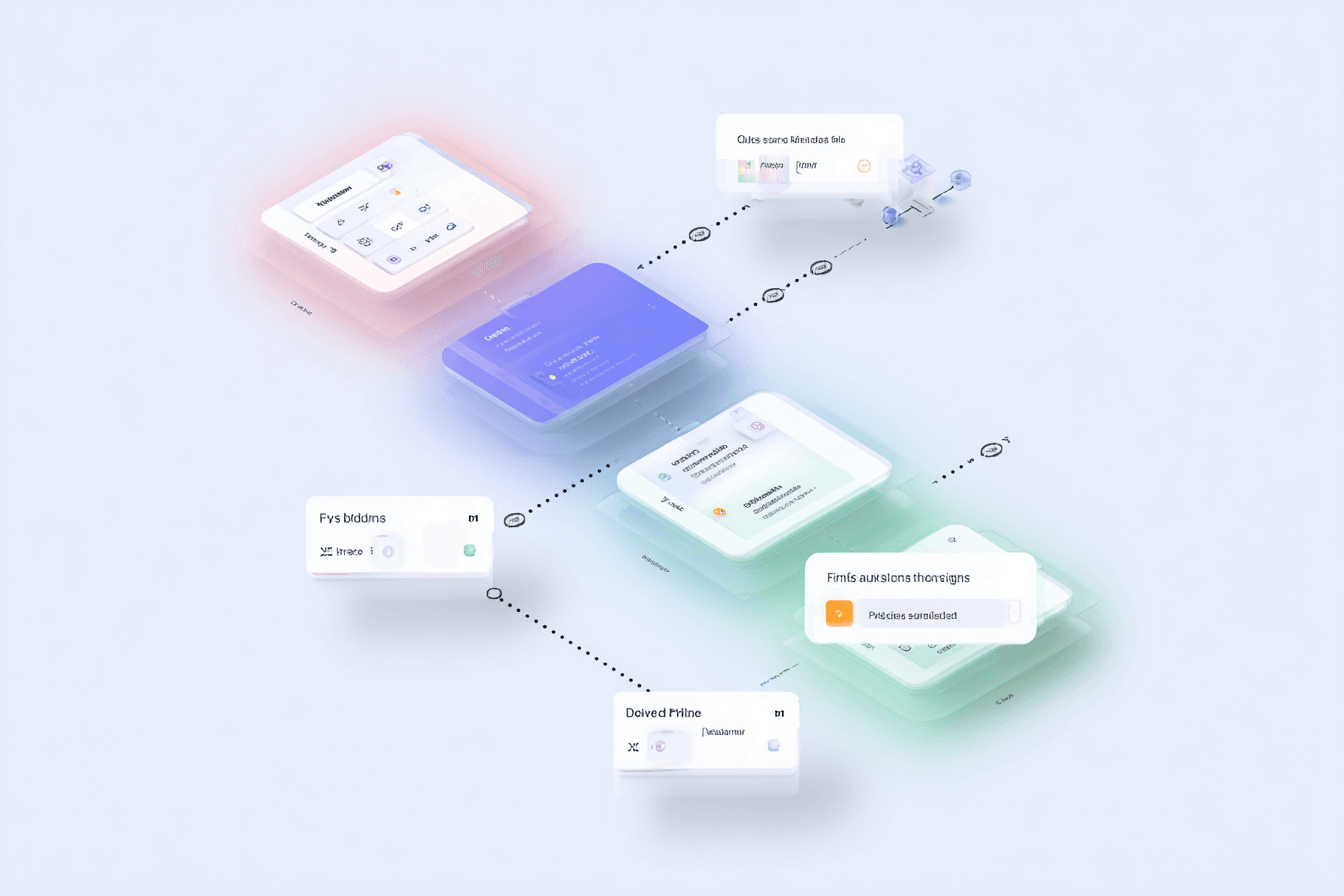
Webhook → Queue (Redis/SQS) → HTTP 200 → Worker processes asynchronously
app.post('/webhook', async (req, res) => {
  // 1. Validate signature (see Security section)
  if (!verifySignature(req)) {
    return res.sendStatus(401);
  }

  // 2. Push payload to queue
  await queue.push({
    payload: req.body,
    receivedAt: Date.now()
  });

  // 3. Confirm immediately (< 100ms)
  res.status(200).send('OK');
});

// Separate worker process
queue.process(async (job) => {
  await processWebhookEvent(job.payload);
});
Idempotency: Preventing Duplicate Messages
Meta uses "at-least-once" delivery. If Meta is unsure whether you received the webhook, it sends it again. And again.
Without countermeasures, the same message ends up multiple times in your database – or worse, your bot responds three times to the same question.
The solution: Every message has a unique message_id. Store processed IDs and check before processing:
async function processMessage(message) {
  const messageId = message.id;

  // Check: Already processed?
  const exists = await redis.exists(`processed:${messageId}`);
  if (exists) {
    console.log(`Duplicate ignored: ${messageId}`);
    return;
  }

  // Process
  await handleMessage(message);

  // Mark as processed (TTL: 7 days)
  await redis.set(`processed:${messageId}`, '1', 'EX', 604800);
}
Companies like Luxusbetten24 use exactly these mechanisms to reliably operate their checkout and response triggers.
Security: Verifying Webhook Payloads
Anyone can send a POST request to your webhook endpoint. Without validation, you could process fake "messages" that never came from Meta.
Validating the HMAC-SHA256 Signature
Meta signs every webhook payload with your App Secret. You'll find the signature in the X-Hub-Signature-256 header.
Important (OWASP Best Practice): Use a constant time comparison like crypto.timingSafeEqual(). A normal string comparison (===) is vulnerable to timing attacks, where attackers can draw conclusions about the correct signature by measuring response time.
const crypto = require('crypto');

function verifySignature(req) {
  const signature = req.headers['x-hub-signature-256'];
  if (!signature) return false;

  const expectedSig = 'sha256=' + crypto
    .createHmac('sha256', process.env.APP_SECRET)
    .update(req.rawBody, 'utf8')
    .digest('hex');

  // Constant Time Comparison (prevents timing attacks)
  try {
    return crypto.timingSafeEqual(
      Buffer.from(signature),
      Buffer.from(expectedSig)
    );
  } catch {
    return false;
  }
}
mTLS for Enterprise
For maximum security, you can enable mTLS (Mutual TLS). This means your server not only verifies the signature but also Meta's TLS certificate. This is particularly relevant for companies with strict compliance requirements.
Reminder: If you use mTLS, the March 2026 certificate update definitely applies to you.
Debugging & Monitoring
Local Testing with Ngrok
Developing locally but Meta needs a public HTTPS URL? Ngrok creates a secure tunnel:
ngrok http 3000
You'll get a URL like https://abc123.ngrok.io that you can enter as the webhook URL in the Meta App Dashboard.
Webhook Health Dashboard
Meta offers a Health Dashboard for webhooks in the Meta Business Suite. There you can see:
- Successful vs. failed deliveries
- Average response time of your server
- Retry attempts and their status
If your success rate falls below 95%, you should take action – otherwise Meta will throttle delivery or disable the webhook entirely.
Frequently Asked Questions About WhatsApp Webhooks (FAQ)
What Are WhatsApp Webhooks?
WhatsApp Webhooks are automated HTTP notifications that send data (such as new messages or delivery status) from Meta to your server in real-time as soon as an event occurs.
What's Changing With WhatsApp Webhooks in 2026?
On March 31, 2026, Meta is switching the certificate authority for mTLS from DigiCert to its own Meta CA. Servers must update their trust store to continue receiving webhooks.
How Often Does WhatsApp Retry a Failed Webhook?
Meta uses exponential backoff and attempts to redeliver a failed webhook for up to 36 hours – with decreasing frequency.
Why Am I Not Receiving Images in the WhatsApp Webhook Payload?
For performance reasons, the payload only contains a media_id. You must use this ID to download the image separately via the WhatsApp API's media endpoint.
How Can I Test WhatsApp Webhooks Locally?
Tools like Ngrok create a secure tunnel to your local server and generate a public HTTPS URL that you can enter in the Meta App Dashboard.
What IP Addresses Does WhatsApp Use for Webhooks?
Meta publishes the IP ranges but officially advises against IP whitelisting as these can change. Use X-Hub-Signature-256 validation instead.
What Does Error Code 130472 Mean in a Webhook?
This code indicates that your number's user-initiated limit has been reached or the quality rating is too low. Check your Phone Number Quality in WhatsApp Manager.
Can I Configure Multiple Webhook URLs for One WhatsApp Number?
No, only one webhook URL can be configured per WhatsApp Business App, which receives all events centrally.
Are WhatsApp Webhooks Free?
Yes, receiving webhooks is technically free. Costs only arise when sending responses via the API (conversation-based pricing).
How Do I Secure My Webhook Endpoint?
Always validate the X-Hub-Signature-256 with your App Secret (using constant time comparison). Optional: mTLS for mutual certificate authentication.
Build vs. Buy: The Honest Calculation
You've now seen what goes into a production-ready webhook infrastructure:
- Queue system for asynchronous processing
- Idempotency layer against duplicates
- HMAC validation with timing attack protection
- mTLS management (including annual certificate updates)
- Media download pipeline
- Retry handling for your own outbound failures
- Monitoring, alerting, logging
That's – realistically estimated – 4-8 weeks of development time for a senior developer. And then comes maintenance: Every Meta API update, every change to the payload structure, every certificate update needs to be implemented.
Yes, you can build this yourself. The technology isn't rocket science. But the question is: Do you want to invest your developer resources in webhook infrastructure – or in features that deliver value to your customers?
BEMS Home asked themselves this question and decided: Outsource infrastructure, focus on marketing logic.
With Chatarmin:
- Webhooks are pre-configured and monitored
- mTLS updates happen automatically (yes, including the March 2026 update)
- Events land directly in your flow builder or via Chatbot API in your system
- You build campaigns, not infrastructure
Conclusion
WhatsApp Webhooks are the nervous system of any WhatsApp marketing strategy. Without them: no real-time engagement, no automated flows, no granular reporting.
Three Things to Remember:
Mark March 2026 in Your Calendar: Update your trust store for the new Meta CA certificate. No update = no webhooks.
Take Arrays Seriously:
entry,changes,messagesare arrays. Always loop, never just take the first element.Queue-First Isn't Optional: Synchronous processing works in tutorials. In production, it'll kill you.
Want WhatsApp Marketing Without Infrastructure Headaches?
Book a demo and see how Chatarmin handles webhooks, flows, and everything else for you.