
RCS Chat passed 1 billion monthly active users in Google Messages as early as late 2023 — and since autumn 2024, the iPhone supports the standard too, with iOS 18. Which means: the blue-vs-green bubble drama between iMessage and Android is over. And if you've recently noticed "chat features" or "RCS chat" popping up on your Android phone and wondered what it actually is — this article answers that. Without the marketing fluff.
What is RCS Chat, really?
RCS is a mobile carrier standard designed to replace SMS and MMS. Developed by the GSMA — the association behind classic mobile standards. Which means: it's not a Google product, it's an official telco standard that Google happens to push hard.
The difference to SMS is brutally simple: SMS is from 1992. Max 160 characters. Images only via MMS (grainy, expensive) — and even that's gone now: German carriers switched off MMS for good on 30 June 2026.
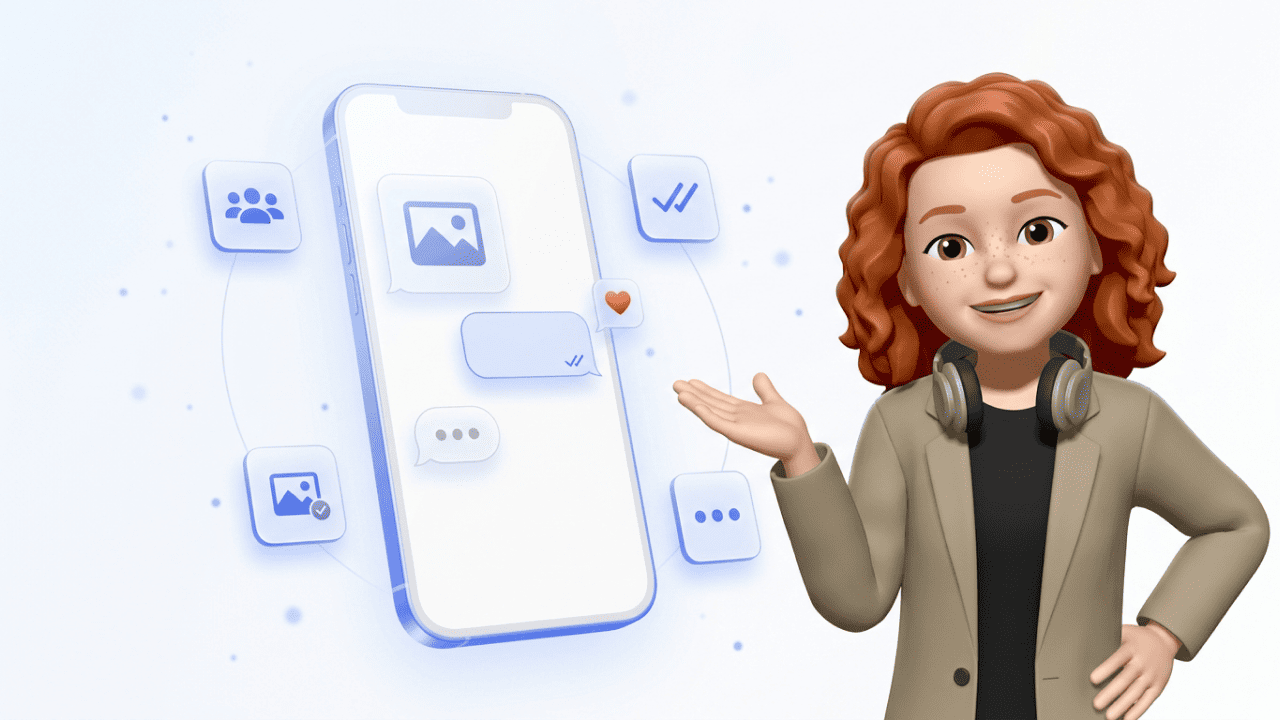
RCS turns your default messaging app into something that does what WhatsApp or iMessage have done for years:
- Messages with no character limit
- Images and videos in full resolution
- Read receipts ("Read at 14:32")
- "...is typing" indicator
- Group chats with names and admin controls
- Location sharing
- Emoji reactions
The result? When both sides have RCS enabled, the chat feels like WhatsApp — just inside the preinstalled messaging app, with no signup required.
How do I recognise an RCS message?
Check your messaging app (on Android usually Google Messages, on iPhone the Messages app):
- Input field shows "RCS message" or "Chat message" instead of "SMS"
- When sending: a small lock icon (for encrypted chats)
- Read receipts and typing indicator visible
- On iPhone: bubbles are still green (not blue like iMessage), but with RCS features
If the input field says "SMS" or "Text message", RCS is not active for that contact — either because the other side doesn't have RCS, or because the feature is offline.
RCS on Android vs. RCS on iPhone
On Android, RCS has been the default for years. Google made Google Messages the standard app, and most manufacturers (Samsung, Google Pixel, Xiaomi) ship it preinstalled.
On the iPhone, the story is newer and bumpier. Apple resisted for years. Only after pressure — including regulatory pressure from the EU and a relentless Google campaign — did Apple introduce RCS support with iOS 18 in autumn 2024.
For a long time the catch was: chats between iPhone and Android via RCS were not end-to-end encrypted, because Apple didn't use Google's encryption. That has changed. Cross-platform encryption was standardised in March 2025 (RCS Universal Profile 3.0) — and since iOS 26.5 (May 2026), Apple and Google have been rolling it out together. On by default, but officially a beta: both devices need to be up to date, and both carriers need to play along. The lock icon shows you whether a chat is encrypted.
Does RCS Chat cost anything?
For private users: no. RCS runs over mobile data or Wi-Fi — like WhatsApp. It uses none of your SMS allowance — and MMS fees have been history anyway since the June 2026 shutdown.
The catch: if you're abroad without EU roaming or without Wi-Fi, RCS messages eat data like any other app. Within the EU usually no issue, outside potentially expensive.
For businesses, the picture is different. There it's called RCS Business Messaging (RBM) and is billed per conversation or per message — depending on carrier and country. We've broken down the exact RCS Chat costs for brands and consumers separately.
How do I enable or disable RCS?
On Android (Google Messages):
- Open the Google Messages app
- Profile picture top right → Messages settings
- Tap "RCS chats"
- Toggle on/off
On iPhone (iOS 18 and later):
- Settings → Apps → Messages
- Tap "RCS Messaging"
- Toggle on
Sometimes it takes a few minutes to a few hours until your carrier activates RCS. If it doesn't work, a restart or SIM swap usually helps.
RCS vs. WhatsApp: Where's the difference?
Technically, RCS and WhatsApp can do almost the same things. Both offer read receipts, media, groups, reactions. WhatsApp has a few more features (Status, voice notes in the familiar form, Channels). Here's the quick overview:
| SMS | RCS Chat | ||
|---|---|---|---|
| Character limit | 160 | none | none |
| Images/videos | MMS only, grainy | full resolution | full resolution |
| Read receipts | no | yes | yes |
| Group chats | no | yes | yes |
| App required? | no | no (preinstalled) | yes (app + account) |
| Encryption | no | Android↔Android yes, cross-platform rolling out | yes (end-to-end) |
| Cost (private) | per SMS | free (over data) | free (over data) |
| DACH adoption | declining | growing, device-dependent | ~76% of Germans |
But the real difference isn't in the tech — it's in user behaviour:
- WhatsApp is the de-facto messenger in the DACH region, LATAM and large parts of Asia. In Germany, around three quarters of the population use WhatsApp regularly, and across DACH penetration sits above 90% of internet users.
- RCS is strong where SMS has historically dominated — mainly the US and France. In markets where WhatsApp is weak, RCS takes over by default.
Which means: in DACH, as a private user, you'll probably keep chatting on WhatsApp because that's where your contacts are. RCS shows up as a nice upgrade for SMS situations — your bank, the parcel courier, or a business contact messaging you.
What can't RCS do?
Honestly, quite a bit. The main disadvantages of RCS Chat, in short:
- Device dependency: RCS only works with a compatible app and active carrier support. Older Android or third-party apps? Tough luck.
- Encryption still patchy: cross-platform (iPhone↔Android), end-to-end encryption is only in rollout as of mid-2026 — not guaranteed everywhere.
- Google servers: on Android, RCS in practice runs over Google's Jibe infrastructure. If you don't trust Google with your data, that's an issue.
- Delivery is unpredictable: sometimes a message arrives as RCS, sometimes it falls back to SMS. Fine for private use, problematic for businesses.
RCS for businesses: what's the deal?
If you encounter RCS in a business context — say as a verification message from your bank or as parcel tracking from a courier — that's RCS Business Messaging (RBM). Companies can have verified profiles (with logo, brand colour, checkmark), and send carousels, buttons and images.
For e-commerce in DACH, that sounds tempting at first: order confirmation, shipping tracking, product carousel — all directly in the preinstalled messaging app, with no app install required for the customer. But that's exactly where the catch sits. The decisive question isn't what RCS can do technically, it's where your customers actually message.
And in DACH, the answer is clear: for 2FA, auth codes and transactional messages in SMS-heavy markets, RCS Business Messaging can make sense.
For marketing, conversational commerce and D2C in DACH, WhatsApp wins almost every time — because that's where the users are, the opt-in behaviour is established, and the tooling landscape is more mature.
Disclaimer in our own interest: at Chatarmin we build conversational marketing on WhatsApp. If you're an e-commerce brand building customer communication in DACH, that's in our view the better channel — but that's a different discussion.
FAQ
What is RCS in simple terms?
RCS is the modern successor to SMS. Inside your default messaging app it offers what WhatsApp and iMessage have done for years: high-resolution images, group chats, read receipts.
Is RCS free?
Yes. For private users RCS runs over mobile data or Wi-Fi and costs nothing. It does consume data, which can matter when roaming outside the EU.
Is RCS secure and encrypted?
Partly. Android↔Android via Google Messages has been end-to-end encrypted for years. Cross-platform (iPhone↔Android) encryption has been rolling out since iOS 26.5 (May 2026) — on by default, but as a beta and dependent on whether your carrier supports it yet. The lock icon in the chat shows you the status.
Who can send me RCS messages?
Anyone with a compatible smartphone (Android or iPhone with iOS 18+) and active RCS support from their carrier. No app install or account signup required.
What happens if my contact doesn't have RCS?
The message is automatically sent as a regular SMS. You can tell because the input field will say "SMS" instead of "RCS message".
Do I need a dedicated app for RCS?
No. On Android, Google Messages is usually preinstalled; on iPhone, the standard Messages app. Both support RCS directly.
Is RCS the same as iMessage?
No. iMessage is Apple's proprietary service that only works between Apple devices. RCS is an open industry standard that works across platforms — including iPhone↔Android.
Can I disable RCS?
Yes. In your messaging app settings (Android: Google Messages → RCS chats; iPhone: Settings → Apps → Messages) you can simply disable RCS. You'll then only receive classic SMS.
Why do iPhone messages to Android still look green despite RCS?
Apple decided to keep RCS chats green. Blue stays exclusive to iMessage. Functionally the two now look alike; visually, Apple keeps them apart.
Is RCS worth it for my business?
Depends. In SMS-heavy markets (US, France) and for auth/transactional: yes. In DACH for marketing usually not — WhatsApp wins because of user behaviour.
Where to go from here
Depending on why you landed here:
You're a private user and want to know if RCS actually delivers or where it falls short? Then the honest weakness analysis is worth a look — and the iPhone-specific side, if you're on Apple.
You work at a company and wonder whether RCS is a channel for your customer communication? Then the decisive question is RCS vs. WhatsApp Business — and that depends entirely on your use case and your market.
Bottom line: RCS is a clear upgrade over SMS — and for many use cases a solid, free default. But it's no WhatsApp killer. At least not in DACH.