
Many companies, brands and agencies are asking the same question: What are WhatsApp Channels—and how do they differ from familiar formats like groups or broadcast lists? With the Channels feature, WhatsApp has introduced a new form of customer communication: one-way, privacy-friendly broadcast channels for an unlimited number of subscribers, clearly separated from private chats and group discussions. Posts in WhatsApp Channels are not archived permanently, but are automatically deleted after 30 days. In this article, you’ll learn in detail how WhatsApp Channels work, what advantages they offer, how they differ from groups and broadcasts, and why they are becoming essential for modern business marketing.
Definition and functionality: What are WhatsApp Channels?
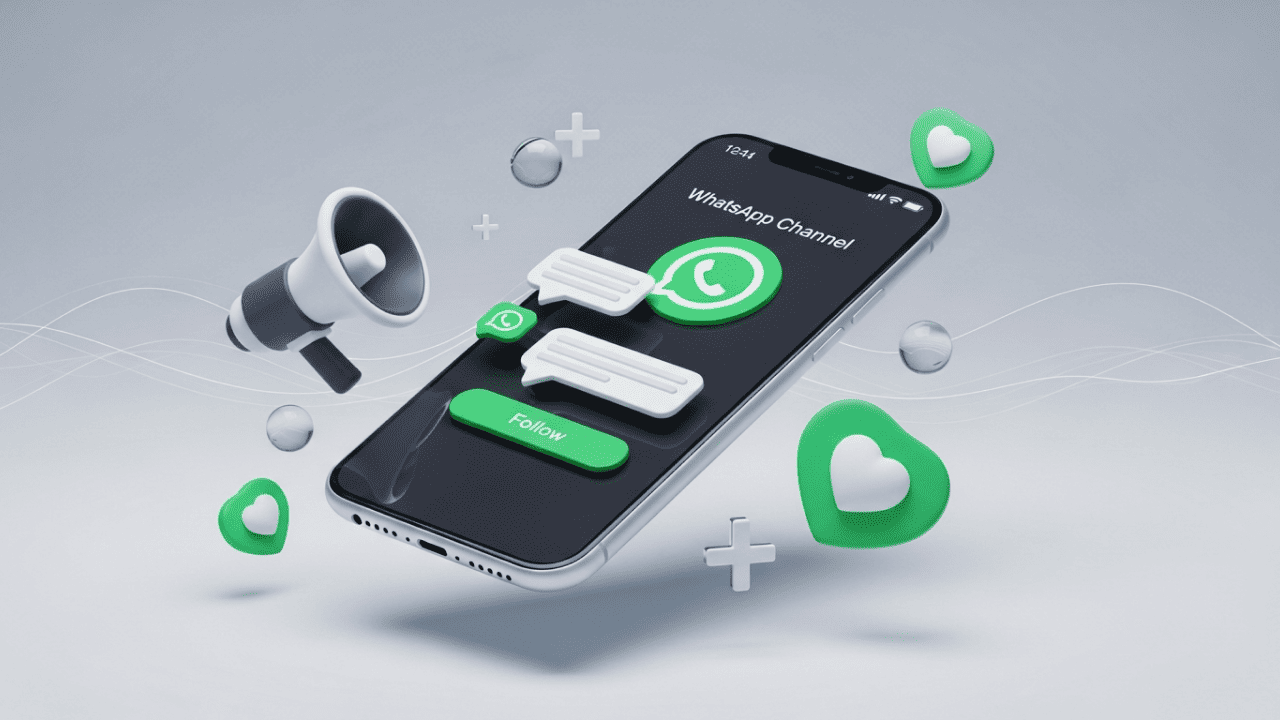
WhatsApp Channels (officially WhatsApp Channels) have been a standalone feature within WhatsApp since 2023. They allow companies, organizations, clubs or individuals to send one-way content to an unlimited number of followers.
Important for businesses: WhatsApp Channels are not a dialog or CRM channel. They are exclusively used for one-way information distribution and replace neither support chats nor personalized newsletters. Direct two-way communication is not possible; subscribers can only react to content using emojis.
This is how WhatsApp Channels work:
One-way push communication via the “Updates” tab in the WhatsApp app
No chat overload, no group discussions, no mutual interaction
Content reaches subscribers directly in the messenger, separate from private chats
As a channel owner, you always retain full control over your content:
Sending text messages, images, videos, links, polls or documents
Content is delivered simultaneously to all subscribers
Subscribers can only rate posts via emoji reactions
Data protection and privacy are at the core:
Subscribers remain completely anonymous
No visible phone numbers, profile pictures or contact lists
No option for subscribers to reply or interact with each other
Joining a WhatsApp Channel is especially easy:
Via channel link, QR code or the public channel directory
Independent of device type, location or target group size
In short: WhatsApp Channels bring the principle of the classic newsletter into the messenger era. They combine high reach, maximum privacy and immediate relevance—without the drawbacks of groups, broadcast lists or email distribution lists. For businesses, this means: content must always be suitable for public communication, brand-compliant and free of personal data.
Core features and benefits of WhatsApp Channels
Data protection & privacy
No visible phone numbers or entries from the address book
Subscribers remain completely anonymous, also to other followers
No personal exchange, no private conversation
Clear separation from chats with family, friends or groups
Particularly suitable for sensitive information, news and articles
GDPR-compliant, as no personal contact data is shared
Unlimited reach & push communication
No limit on subscriber numbers like with groups or broadcasts
Content appears directly in the Updates tab on all smartphones
Higher visibility for info, photos & news than in email newsletters or social feeds
Limitation: WhatsApp Channels do not allow audience-specific delivery of individual messages to specific subscribers
Efficiency & control for channel owners
Channel owners retain full control over content, timing and tone at all times
No group dynamics, no disruption potential through discussions or counter-reactions
Clear, consistent brand communication
A new way for companies, brands, influencers and organizations to bring campaigns, event notices or special offers directly to their audience
Independent of social network algorithms
Public discoverability & easy access
Channels are easy to find via the public directory
Search by topics, brands, interests or personalities
Subscription without saving the contact in the address book
Join via link, QR code or website
Low barrier to entry, no instructions or technical prior knowledge required
WhatsApp Channels vs. groups & broadcast lists: differences at a glance
| Feature | WhatsApp Channels | Groups / Broadcasts |
|---|---|---|
| Communication | one-way (only admin posts) | two-way (everyone can post/reply) |
| Privacy | anonymous subscribers, no contacts visible | all members visible, phone numbers are displayed |
| Followers | unlimited | Groups: 1024, Broadcasts: limited, contacts must be saved |
| Content | text, images, videos, polls, documents | like channels; groups allow interaction |
| Public discoverability | channel directory, invite link, QR code | usually private or invitation-only |
| GDPR compliance | high (no data exchange) | limited (visible contacts) |
| Audience segmentation | not possible | partly possible (broadcast) |
How a WhatsApp Channel works: setup, posting & evaluation
1. Setup: A company or organization creates a new channel in the WhatsApp Business app and assigns a name, description and image. 2. Distribution: The channel becomes visible via the directory or is shared via channel link, QR code or social media profile. 3. Subscription: Users join anonymously; their phone number remains hidden and they receive channel updates in the Updates tab. 4. Content management: Operators send messages, videos, images or documents; followers can rate content via emojis but cannot reply. 5. Analysis & optimization: WhatsApp itself provides only limited metrics. Additional tools are used for structured evaluation, cross-channel analyses or campaign logic.
How to find and subscribe to WhatsApp Channels
Open the Updates tab in your WhatsApp app
Use the channel directory to discover channels by topic, region or interest
Search specifically for brands, companies, clubs or news
Alternatively: subscribe to a channel via a shared link or QR code
One click is enough—no saving to the address book required
After subscribing, you receive all updates directly in the messenger
Your privacy remains protected: you are invisible to operators and other subscribers
The subscription can be canceled at any time
Benefits for companies and brands in e-commerce
Official, fast-growing channel as a newsletter replacement, for product updates and flash sales—away from email spam filters and social media algorithms.
Easy segmentation by region, language or product line via separate channels—ideal for large companies, multi-brand strategies or targeted community engagement. For personalized messaging, segmentation or automated journeys, WhatsApp Channels alone are not sufficient.
GDPR compliance ensures legally secure communication and protects both your customers and your company.
Direct integration into multichannel communication and marketing strategies—linking to Instagram, Facebook, website or promotions via QR codes is possible.
Ideal for dialog-free first-mover touchpoints: you control content, cadence and tone.
Classification: WhatsApp Channels are especially suitable for reach building, updates and campaign announcements. For personalized communication, transactional messages or automated journeys, additional solutions are required.
Security and data protection in focus: what makes WhatsApp Channels special
No sharing of personal contact information—phone numbers and profile data always remain private.
Regular security updates by Meta provide ongoing protection against misuse or unauthorized access.
Companies meet GDPR standards and can easily provide proof of “data-minimizing communication.”
Content in WhatsApp Channels is not end-to-end encrypted and is generally publicly viewable, which is why companies should use channels only for information suitable for public communication.
Admin rights are clearly restricted: only authorized people may publish messages and manage channels.
Abuse can be reported easily; suspicious channels are quickly reviewed and, if necessary, blocked by Meta.
The guidelines for WhatsApp Channels prohibit content that is harmful to minors or illegal; however, there is no complete content pre-review or guarantee of compliance.
WhatsApp Channels are designed so that subscribers remain anonymous and no personal data is exchanged. At the same time, channels are publicly discoverable and not end-to-end encrypted. Companies should therefore always treat content as public communication and design it responsibly.
Best practices: how to use your WhatsApp Channel optimally
Channel strategy & content ideas
Define a clear value proposition for your channel: early info, exclusive offers, product launches, events, short news
Keep content short, relevant and brand-compliant
Optimal frequency: around 2–3 high-quality updates per week
Use a media mix: combine text, images, videos and links
Continuously optimize performance based on reactions & analytics
Plan content without individual customer targeting (no personalization possible)
Cross-media integration for maximum reach
Make your WhatsApp Channel visible on:
Website
Newsletter
Social media profiles
Print, POS and offline campaigns
Use channel links & QR codes for fast entry
Separate channels for languages, regions or product lines are possible
Central management of multiple channels via tools like Chatarmin
Development & outlook: why WhatsApp Channels will gain importance in the future
WhatsApp is continuously developing the Channels feature and strengthening it as a professional communication channel for businesses.
The focus includes:
Better analytics for performance measurement
Automation for scalable push communication (currently only at channel level, not on an individual recipient basis)
Integration with Instagram and Facebook
More targeted audience segmentation
This turns WhatsApp Channels into future-proof marketing channels that optimally combine reach, privacy and control.
Conclusion: WhatsApp Channels as a booster for professional customer communication
WhatsApp Channels are the modern foundation for privacy-friendly, efficient messaging in businesses—whether as a complement to the WhatsApp newsletter, as an upgrade for social media or as a central element in messenger marketing.
Those who adapt to new communication paths now and use tools like Chatarmin stay close to their customers—flexible, data-conscious and ready for the next stage of digital dialog.
Frequently asked questions (FAQ) about WhatsApp Channels
How many followers are possible?
There is no limit: your reach is technically unlimited with WhatsApp Channels.
How customizable is a WhatsApp Channel?
You can freely choose name, description, channel image and emojis—making your channel personal and distinctive.
Are there channels for different languages or regions?
Yes, each channel can be created specifically for certain languages, markets or target groups.
What about costs?
WhatsApp Channels are currently free to use. For additional services, platforms like Chatarmin may optionally become relevant.
Are WhatsApp Channels GDPR-compliant for businesses?
WhatsApp Channels are designed to be data-minimizing, since no personal contact data is exchanged between companies and subscribers. For further communication, segmentation or automation, additional data protection requirements apply.
Companies should note that WhatsApp Channels are strictly separated from direct customer chat. Combining them with personalized communication via the WhatsApp Business app requires additional data protection checks.
Are WhatsApp Channels suitable for children and teenagers?
In general, WhatsApp is allowed from the age of 13, although the age restriction is not always followed in practice. WhatsApp Channels offer the advantage for children and teenagers that they cannot share content there—unlike WhatsApp groups, where problematic dynamics often arise. Nevertheless, parents should remain vigilant and check which channels their children follow and whether they run their own channels. WhatsApp itself does not provide age-based filtering or pre-selection of channel content. In principle, any WhatsApp user can create a channel, regardless of age or verification as a business.
Does the Channels feature only work with the WhatsApp Business app?
No. WhatsApp Channels can be created and used both with the regular WhatsApp app and with the WhatsApp Business app. For businesses, the WhatsApp Business app offers advantages for professional use, such as a business profile, clear sender identity and better positioning as an official brand or company channel.
Discover now: connect sales, support and marketing with WhatsApp Channels and other messenger services. Try Chatarmin as a strategic platform, create your own channel—and experience how easy professional customer communication is in the messenger era.