DSGVO-konform
5-Min-Setup
ISO 27001
Real-time alerts for critical support tickets directly in Slack. Escalations, bad CSAT scores, AI handovers.


































Quick check for decision makers
Slack in the armincx ecosystem.
Connect Slack with armincx for automated workflows.
AI cannot respond: Slack alert. Bad CSAT score: notification. Escalation: message to specialist. Channels, alert types, and thresholds are freely configurable.
armincx uses Slack data for intelligent automation.
Slack webhook or native integration. Channels, alert types, and thresholds freely configurable. The armincx AI automatically decides when a Slack alert is triggered.
Support team stays informed without constantly monitoring the armincx inbox.
Support team stays informed without constantly monitoring the armincx inbox. Critical cases come to the team. The AI handles the rest. Result: faster response for critical cases, less monitoring effort.
Slack integration for internal alerts: when the armincx AI cannot respond, a Slack alert goes to your team. Bad CSAT score? Slack notification. Escalation to specialist? Slack message. Your team stays informed without constantly watching the armincx inbox.
This is especially relevant for support teams that use Slack as their central communication tool. Critical cases come to the team instead of the team actively searching for them. Configuration is flexible: Slack webhook or native integration. Channels, alert types, and thresholds are freely configurable.
The Slack integration supports three categories of alerts:
Thresholds are configurable. You decide at which CSAT value a notification triggers and which escalation levels land in which Slack channel.
For e-commerce teams using Slack that want to automate customer service with armincx. The Slack integration is especially valuable for teams that do not sit in the armincx inbox all day but want to react immediately to critical cases.
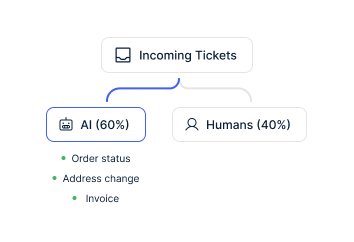
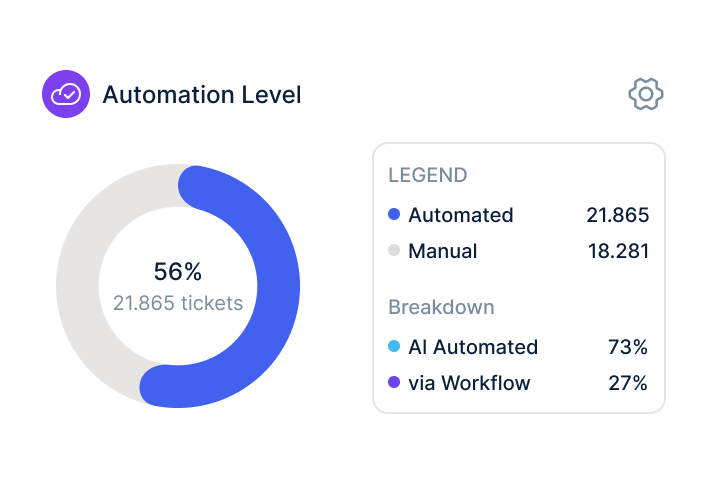
Typical setup: the armincx AI handles 80-90% of tickets automatically. For the remaining 10-20%, the team gets a Slack alert. Response time stays short for critical cases without anyone permanently monitoring the inbox.
Real-time alerts for critical support tickets directly in Slack. Escalations, bad CSAT scores, AI handovers.
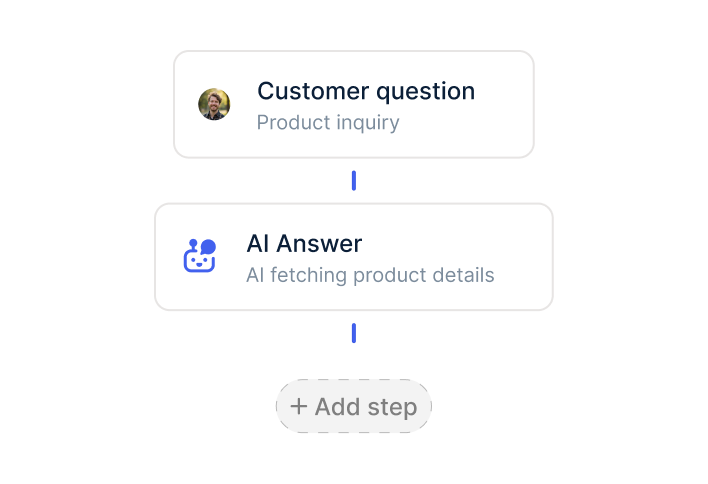
armincx events trigger actions in Slack and vice versa.
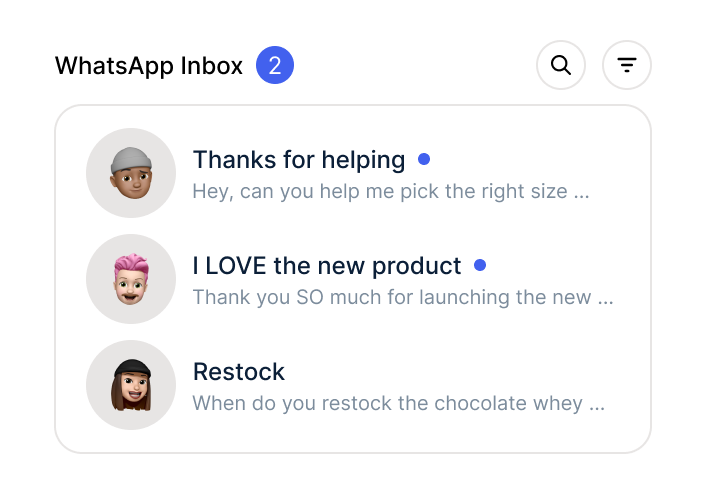
Slack data flows into the armincx inbox for better context.
The integration connects your internal communication tool with your AI customer service. Three concrete scenarios:
The first: connect Slack and configure alerts. Real-time alerts for critical support tickets directly in Slack. Escalations, bad CSAT scores, AI handovers. Your team sees immediately when a human needs to step in.
The second: automate workflows. armincx events trigger actions in Slack and vice versa. New high-priority ticket? Slack alert. Agent responds in the inbox? Slack notification closed. Bidirectional data flow.
The third: improve customer service. Slack data flows into the armincx inbox for better context. When an agent discusses a customer in Slack, that context is available in the ticket.

Disclaimer: All data conducted from over 50+ Sales Calls with DACH Ecom Owners
Without armincx, your team handles every ticket manually. Slack notifications only exist if someone triggers them manually. With armincx, the AI handles the majority of tickets automatically. Your team only gets Slack alerts for cases that actually need a human: AI failures, bad CSAT scores, escalations.
The result: less ticket monitoring, faster response for critical cases.
What leading E-Commerce brands from the DACH region say about armincx.
Tobias J.
Braun Büffel

“Intuitive to use and quick in support.”
André Jonker
Mozart Bett

“Impressive software and strong team!”
Braun Büffel
“Intuitive to use and quick in support.”
Mozart Bett
“Impressive software and strong team!”

Sign up for Chatarmin and activate armincx.
Authorize Slack in the armincx dashboard. Data flows automatically.
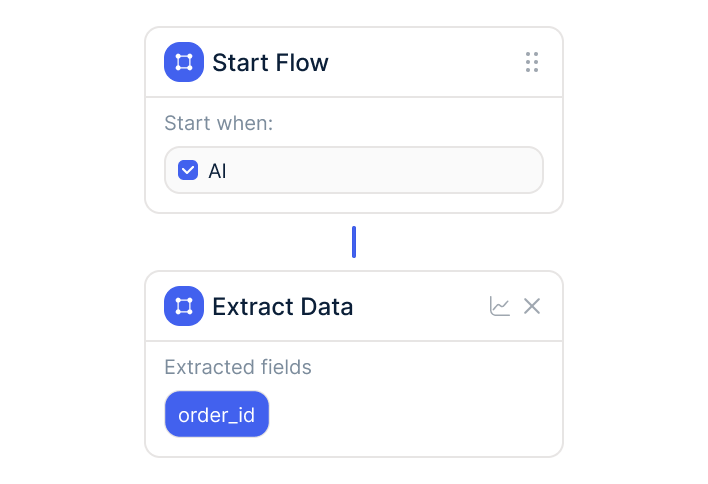
Train AI, build workflows, go live.
Sign up for Chatarmin and activate armincx.
Authorize Slack in the armincx dashboard. Data flows automatically.
Train AI, build workflows, go live.
armincx offers flat-rate pricing without ticket costs. The Slack integration is included in the armincx package. Variable AI credits apply per auto-resolved message. No seat-based pricing like Zendesk, no per-ticket costs like Gorgias.
Your dedicated Customer Success Manager configures the integration, builds workflows, and trains the AI on your data:
Time to live: days to weeks, depending on the complexity of your support setup.
armincx is ISO 27001 certified. Servers in Frankfurt. Official APIs. Channel-specific opt-in. DPA available.
armincx fits right into your existing tools.
Everything you need to know.
armincx offers flat-rate pricing without ticket costs. The Slack integration is included in the armincx package. Variable AI credits apply per auto-resolved message. No seat-based pricing like Zendesk, no per-ticket costs like Gorgias.
Your dedicated Customer Success Manager configures the integration, builds workflows, and trains the AI on your data. Time to live: days to weeks, depending on the complexity of your support setup and the volume of training data.
armincx is ISO 27001 certified and stores all data on servers in Frankfurt. The integration exclusively uses official APIs. Channel-specific opt-in. DPA documentation is available.
Existing ticket histories from other tools (Zendesk, Gorgias, Freshdesk) are not imported 1:1. Customer history remains in your shop system (Shopify, Shopware). armincx trains the AI on your existing FAQ data and macros.

Connect Slack with armincx for real-time alerts on critical support tickets.