DSGVO-konform
5-Min-Setup
ISO 27001
Automatically create critical support tickets as Asana tasks. Hand off escalated cases to project management.


































Quick check for decision makers
Asana in the armincx ecosystem.
Connect Asana with armincx for automated workflows.
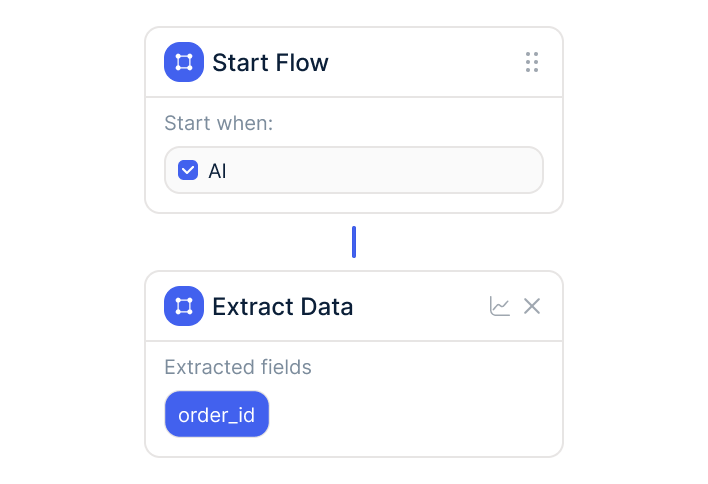
Critical tickets are automatically created as Asana tasks. Priority, description, and context are carried over. The ops team sees immediately which cases need attention.
armincx uses Asana data for intelligent automation.
When AI fails or CSAT drops below threshold: Asana task to ops team or team lead. The armincx AI automatically decides when to escalate.
Escalated cases land in the right Asana project.
Escalated cases land in the right Asana project. Assignment based on ticket type or category. Technical questions to tech project, returns to logistics project.
Asana integration for escalation management: critical tickets are automatically created as Asana tasks. Ops team gets notified when the AI fails. Escalated cases land in the right Asana project.
The integration connects your AI customer service with your project management. When the armincx AI cannot solve a case or a ticket falls below certain thresholds (e.g., bad CSAT), an Asana task is automatically created. Priority, description, and the full ticket context are carried over.
The ops team sees the task in Asana and can act immediately without searching for the case in the armincx inbox.
The integration supports three core mechanisms:
For e-commerce teams using Asana that want to automate customer service with armincx. The Asana integration bridges the gap between AI customer service and internal project management.
Especially valuable for teams with clear escalation processes: the AI handles standard cases. Complex cases requiring human decisions are automatically assigned as Asana tasks to the right team.
Automatically create critical support tickets as Asana tasks. Hand off escalated cases to project management.
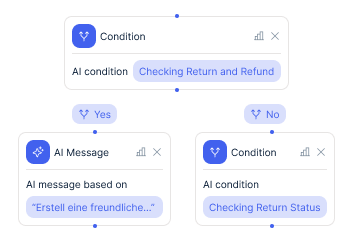
armincx events trigger actions in Asana and vice versa.
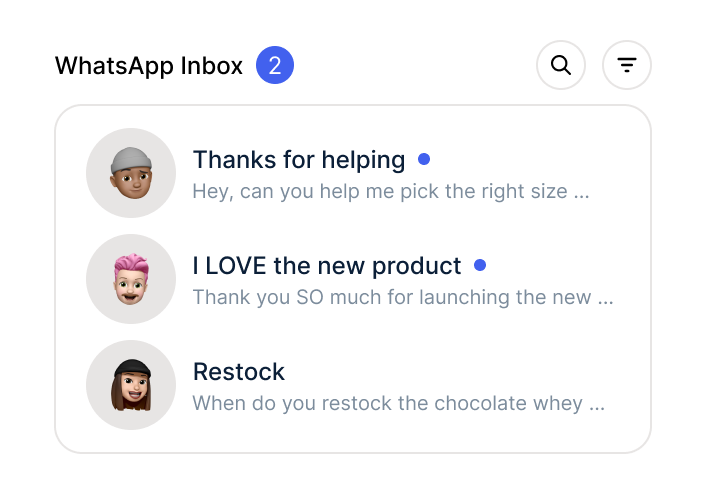
Asana data flows into the armincx inbox for better context.
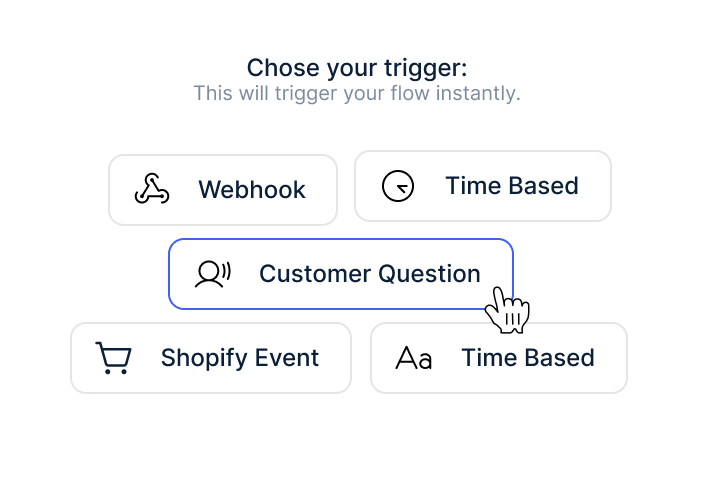
Three concrete scenarios connecting AI customer service with project management:
The first: connect Asana and automate tasks. Automatically create critical support tickets as Asana tasks. Hand off escalated cases to project management. Priority and context flow with them.
The second: automate workflows. armincx events trigger actions in Asana and vice versa. New escalated ticket? Asana task. Task completed? Ticket status updated.
The third: improve customer service. Asana data flows into the armincx inbox for better context. When a team works on an escalated case, the agent sees the Asana task status in the ticket.

Disclaimer: All data conducted from over 50+ Sales Calls with DACH Ecom Owners
Without armincx, you escalate cases manually. Someone reads the ticket, decides whether to escalate, manually creates an Asana task, copies the context. With armincx, this happens automatically: the AI identifies escalation needs, creates the task in the right project with full context. Your team only handles cases that actually need a human.
<!-- SPLIT-PUNKT: BLOCK C
What leading E-Commerce brands from the DACH region say about armincx.
André Jonker
Mozart Bett

“Impressive software and strong team!”
Mathé Booij
meubelbaas

“The marketing we can do with Chatarmin is insane and gives us a great return on investment.”
Robin Jänicke
Wahre Tierliebe

“We switched to Chatarmin because we believe they have the best value for money.”
Mozart Bett
“Impressive software and strong team!”
meubelbaas
“The marketing we can do with Chatarmin is insane and gives us a great return on investment.”
Wahre Tierliebe
“We switched to Chatarmin because we believe they have the best value for money.”

Sign up for Chatarmin and activate armincx.
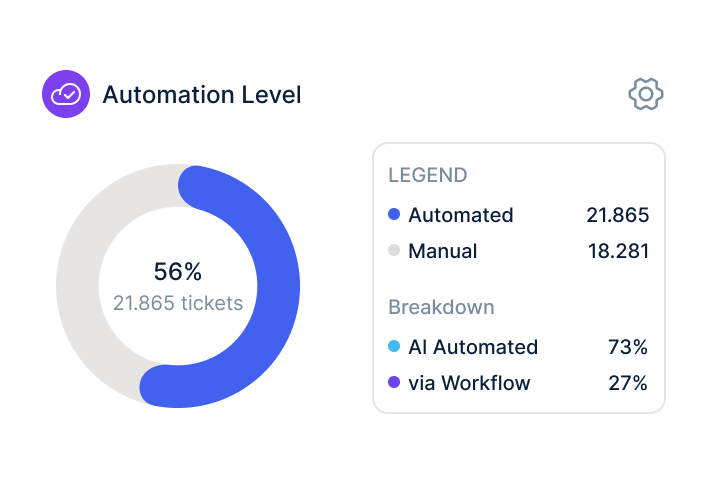
Authorize Asana in the armincx dashboard. Data flows automatically.
Train AI, build workflows, go live.
Sign up for Chatarmin and activate armincx.
Authorize Asana in the armincx dashboard. Data flows automatically.
Train AI, build workflows, go live.
armincx offers flat-rate pricing without ticket costs. The Asana integration is included in the armincx package. Variable AI credits apply per auto-resolved message. No seat-based pricing like Zendesk, no per-ticket costs like Gorgias.
Your dedicated Customer Success Manager configures the integration:
Time to live: days to weeks.
armincx is ISO 27001 certified. Servers in Frankfurt. Official APIs. Channel-specific opt-in. DPA available.
armincx fits right into your existing tools.
Everything you need to know.
armincx offers flat-rate pricing without ticket costs. The Asana integration is included in the armincx package. Variable AI credits apply per auto-resolved message. No seat-based pricing like Zendesk, no per-ticket costs like Gorgias.
Your dedicated Customer Success Manager configures the integration, builds workflows, and trains the AI on your data. Time to live: days to weeks, depending on the complexity of your support setup.
armincx is ISO 27001 certified and stores all data on servers in Frankfurt. The integration exclusively uses official APIs. Channel-specific opt-in. DPA documentation is available.
Existing ticket histories from other tools (Zendesk, Gorgias, Freshdesk) are not imported 1:1. Customer history remains in your shop system (Shopify, Shopware). armincx trains the AI on your existing FAQ data and macros.