WhatsApp MCP: Your WhatsApp Marketing in Claude and ChatGPT
Connect Claude, ChatGPT or Cursor to your Chatarmin account. Ask for campaign figures, build flows and templates by describing them and plan campaigns right in the chat. All based on the official WhatsApp Business API.

































Three tasks your AI assistant now takes on
The Chatarmin MCP gives Claude and ChatGPT access to your contacts, campaigns, flows and revenue figures.
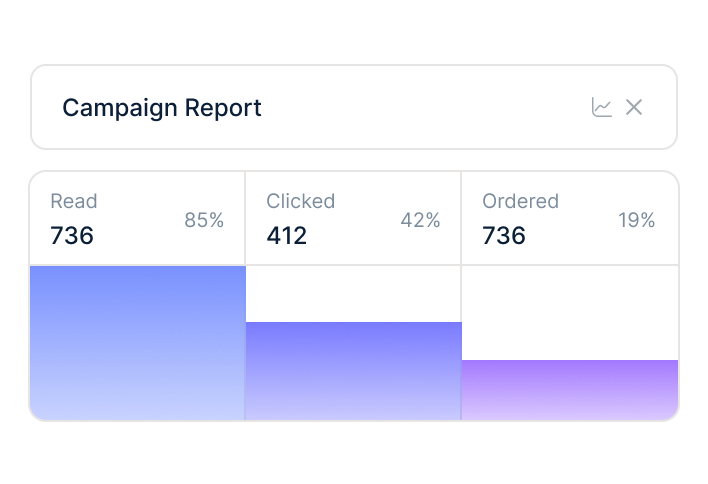
Answers in plain language
Ask for the revenue of your last campaign, the results of a flow or the number of contacts with an opt-in. Claude pulls the figures straight from Chatarmin and, on request, builds reports and analyses that go beyond your dashboard.
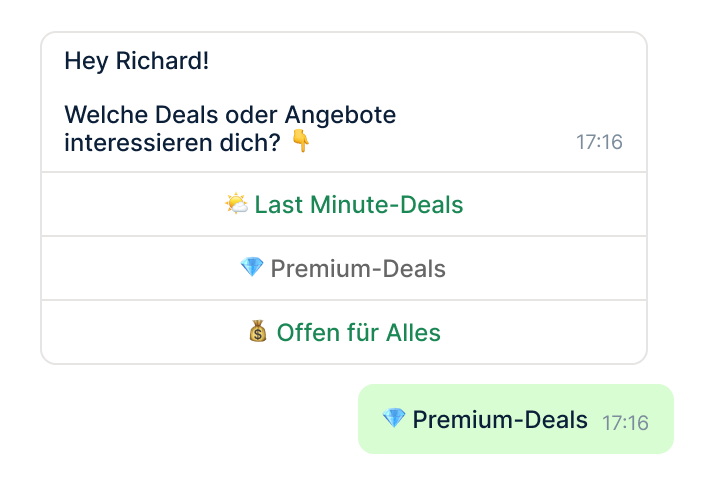
Build flows, templates and campaigns by describing them
Describe a welcome flow or a template for your sale in one sentence. Claude creates the flow as an inactive draft and the template as a draft in Chatarmin. You review both in the familiar editor before activating them or submitting them to Meta.
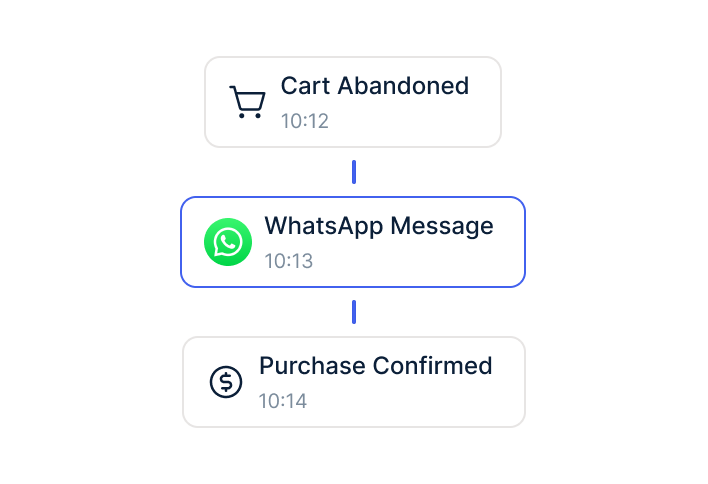
Understand your performance
Claude shows you which campaigns and flows generate the most revenue, why messages were not delivered and where you can cut costs. That way you base your next campaign decision on real figures.
Securely connected to your Chatarmin account
You grant access with your login, and the MCP only creates campaigns after your explicit confirmation.
Connected in a few minutes
Add the Chatarmin MCP as a connector in Claude, ChatGPT, Cursor, VS Code or GitHub Copilot and sign in via OAuth with your Chatarmin login. Already a customer? The step-by-step guide is in the Chatarmin Help Centre.
Campaigns only with your approval
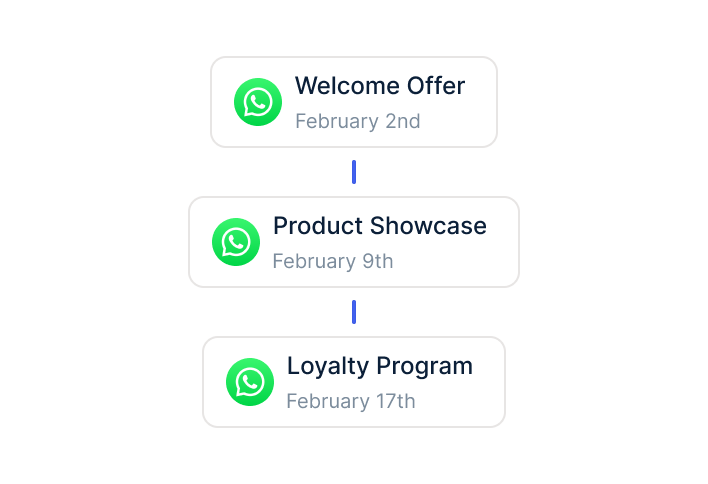
Before a campaign is created, a dry run shows you the number of recipients. The MCP only creates the campaign after your explicit confirmation. Sending individual messages is a paid add-on and stays off until your team enables API message sending.
Access limited to your organisation
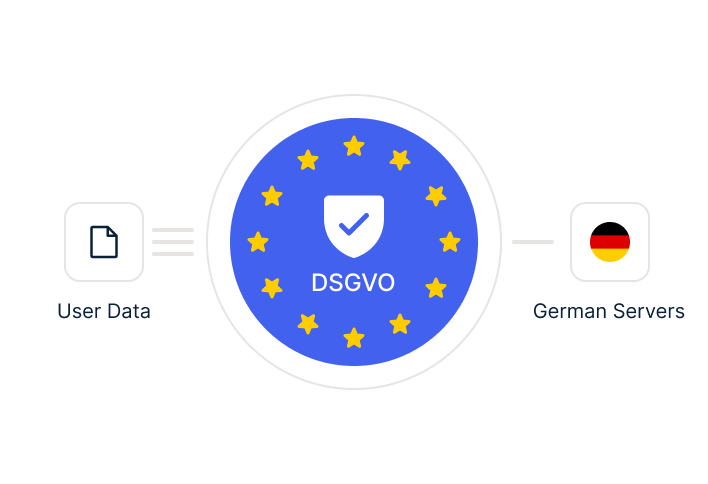
When connecting, a consent screen shows you which permissions the MCP receives, and you approve them actively. Access is limited to your own Chatarmin organisation. Chatarmin itself is ISO 27001-certified and hosts on servers in Frankfurt.
Combined with Shopify and Klaviyo
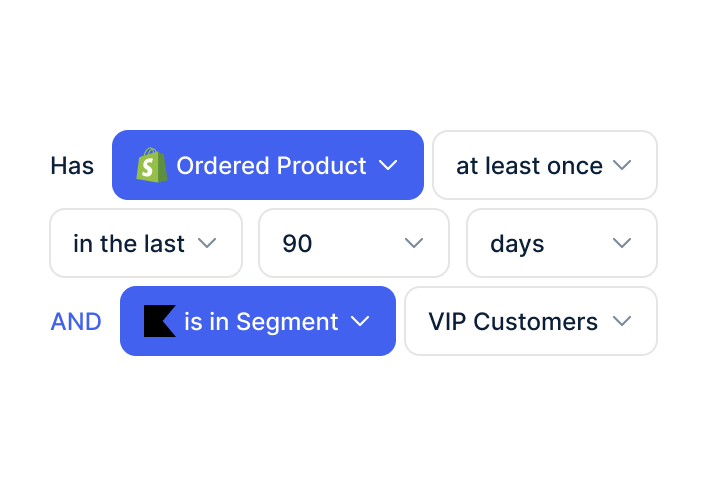
Also connect the official MCP servers of Shopify or Klaviyo in Claude. Claude can then turn the products in your autumn collection into a WhatsApp template or compare your newsletter figures with your WhatsApp campaigns.
More WhatsApp features you will love
All the features you need for WhatsApp Marketing and WhatsApp Support in one tool
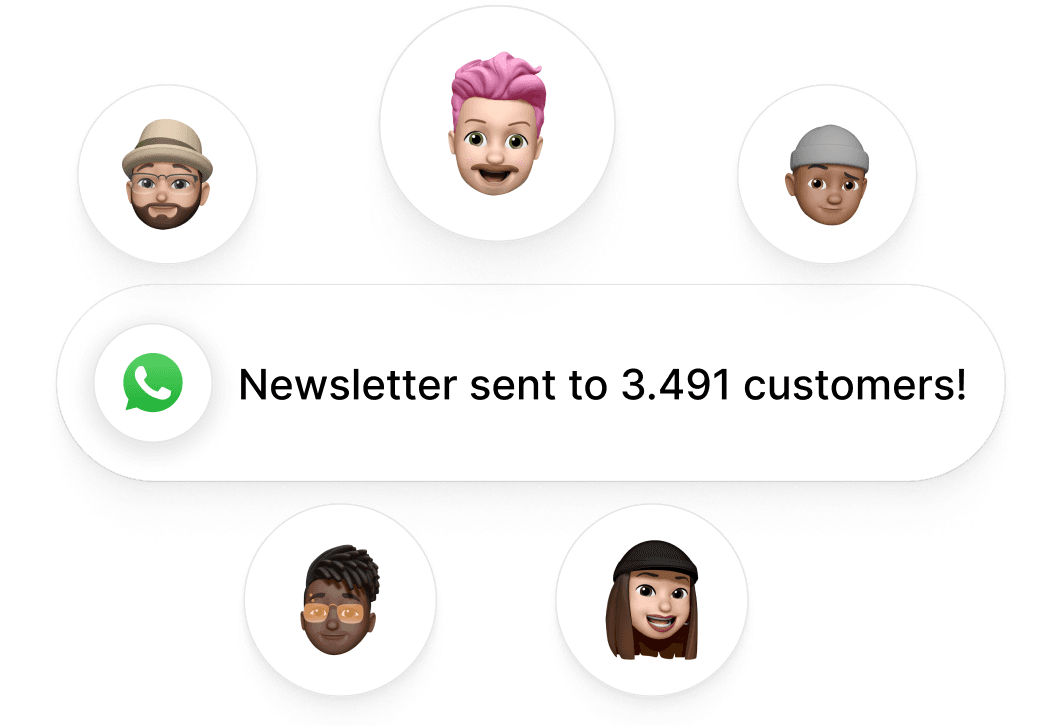
WhatsApp Newsletter
Send high-converting newsletters to your audience and achieve up to an 85% open rate
Read more →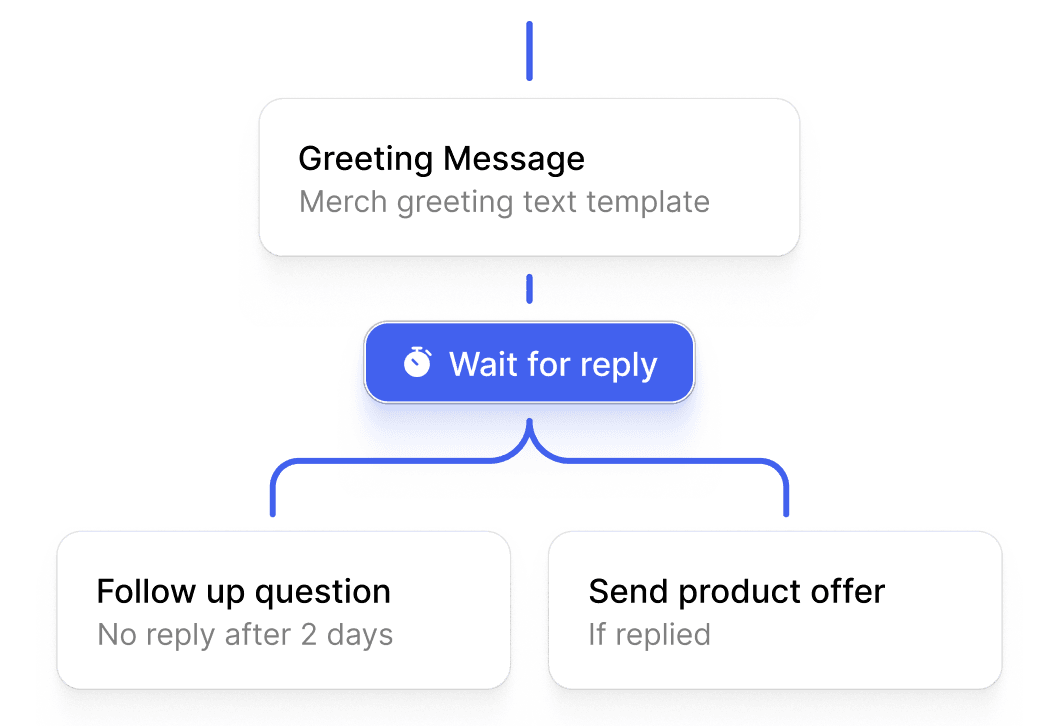
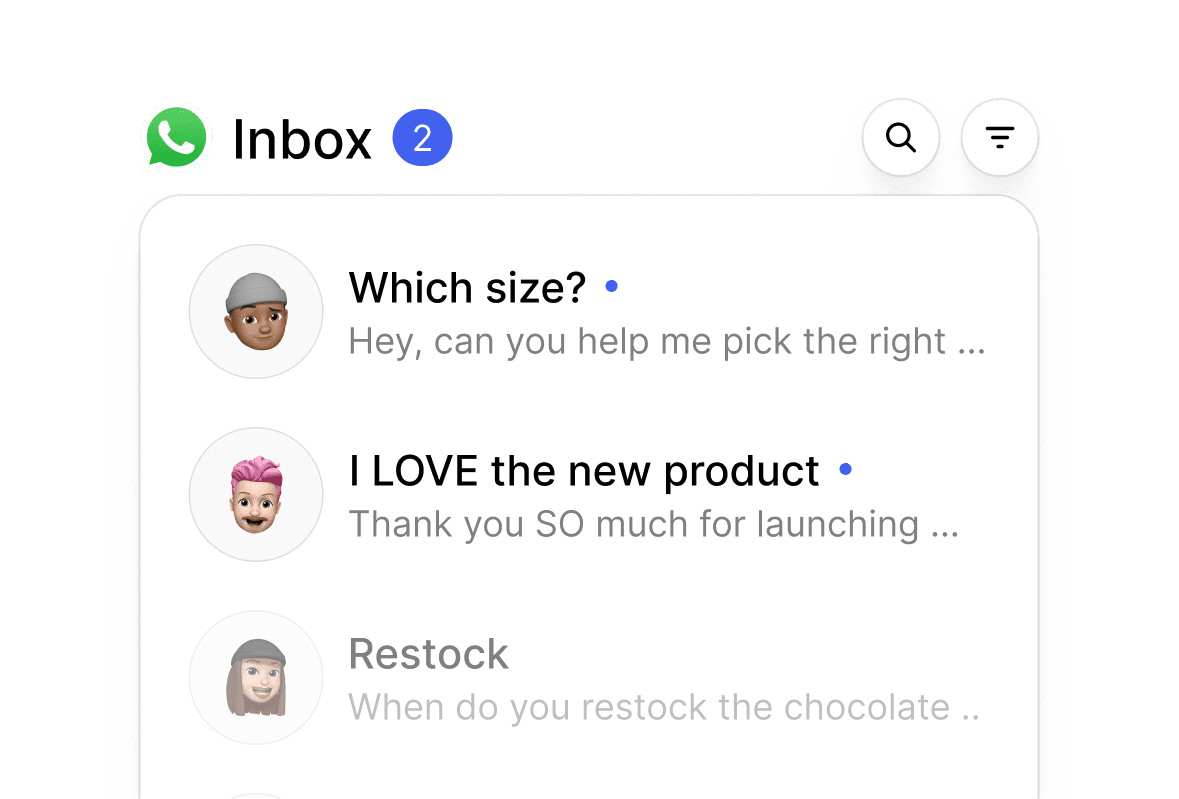
WhatsApp Chat Inbox
Reply to your customers via WhatsApp. All important messages in one inbox
Read more →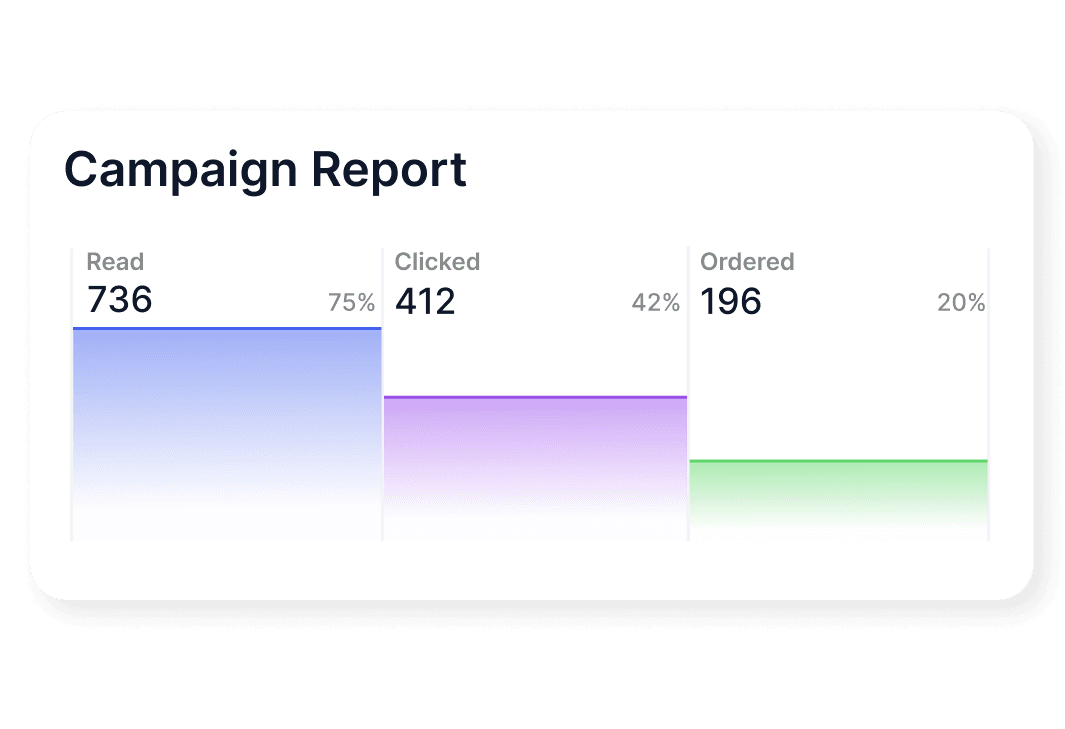
Frequently asked questions about the WhatsApp MCP
Everything about setup, costs and data protection for the Chatarmin MCP.
The Chatarmin MCP is an MCP server that lets AI assistants such as Claude or ChatGPT access your Chatarmin account. You use it to manage contacts, flows, templates, campaigns and analytics directly in the chat.
It depends. The MCP is included for all Chatarmin customers, and only sending individual WhatsApp messages is a paid add-on.
The Chatarmin MCP works with Claude, ChatGPT, Cursor, VS Code and GitHub Copilot. In ChatGPT, it runs through Developer Mode, and OpenAI allows write actions on the Business, Enterprise and Edu plans.
No. The MCP only creates campaigns after your explicit confirmation, and a dry run shows you the number of recipients beforehand.
No. The Chatarmin MCP works with the official WhatsApp Business API, which you use via Chatarmin.
The data you query via the MCP is also processed by the provider of your AI tool. Use a business account with a data processing agreement and ask for metrics rather than individual contacts.

Run your WhatsApp marketing straight from Claude
510+ e-commerce brands use Chatarmin for WhatsApp marketing. With the MCP, you handle reports, segments and campaign drafts right in the chat.