GDPR-compliant
ISO 27001
Meta Business Partner
Chatarmin uses recipient lists and target groups from Optimizely Campaign for WhatsApp campaigns and flows. WhatsApp consent is stored as an attribute on the recipient, so your email team can see who is reachable on which channel.


































Quick check for decision makers
Your lists, target groups and attributes stay in Optimizely. Chatarmin uses them for the channel your customers see on their lock screen.
Under Audience → Segments you filter by recipient list or target group from Optimizely. Use these segments for campaigns or as entry filters in flows.
Once Optimizely is connected, the segment builder shows a dedicated Optimizely filter. You pick a recipient list or a target group, optionally inverted to include every contact who is not on it. Inside a flow you can also branch with If/Else on properties, lists or target groups. Your team keeps maintaining the logic in Optimizely.
The "Sub-/Unsubscribe List" action subscribes or unsubscribes contacts on Optimizely lists, optionally with double opt-in. "Update Optimizely Properties" writes attributes to the recipient.
A customer leaves their email address in your WhatsApp welcome flow. Chatarmin subscribes them to your newsletter list in Optimizely and sets attributes at the same time, such as the interest they mentioned in the chat. When writing, you decide whether existing values get overwritten.
Chatarmin writes the WhatsApp opt-in status to a recipient attribute in Optimizely, the "whatsapp" field by default. Your email team can see who is reachable on WhatsApp.
When a Chatarmin contact has an email address, Chatarmin creates or updates the matching recipient on your default market list. In the other direction, Chatarmin fills in missing email addresses or phone numbers on the contact when Optimizely already has them. You enable consent sync once in the integration settings.
Optimizely Campaign remains your platform for email, lists and audiences. Chatarmin adds WhatsApp as a channel and works with the same data instead of building a second audience logic.
To connect, you need a webservice user for the Campaign API. This is a separate API account, not the login your team uses for the Campaign interface. In Chatarmin, enter the username and password under Integrations → Optimizely. Chatarmin then checks the connection for each configured market individually. If a market fails, the detail view shows which permission is missing. Use "Re-run API check" to test the connection again at any time, for example when lists or attributes don't show up in the pickers.
You'll find the step-by-step guide with all settings in our Help Centre.
Recipient lists and target groups are available in the segment builder and the flow editor. Recipient attributes can be used as conditions in If/Else splits. If Optimizely has an email address or phone number that the Chatarmin contact is missing, Chatarmin fills it in.
WhatsApp consent is written to a recipient attribute, the "whatsapp" field by default. Contacts with an email address are created or updated as recipients on your default market list. From within flows, you subscribe or unsubscribe contacts on lists and set attributes.
The integration is not available on the Starter plan. To sync contacts to Optimizely, the Chatarmin contact needs an email address, because Optimizely Campaign identifies recipients by email.
Three workflows built on your existing lists and target groups.
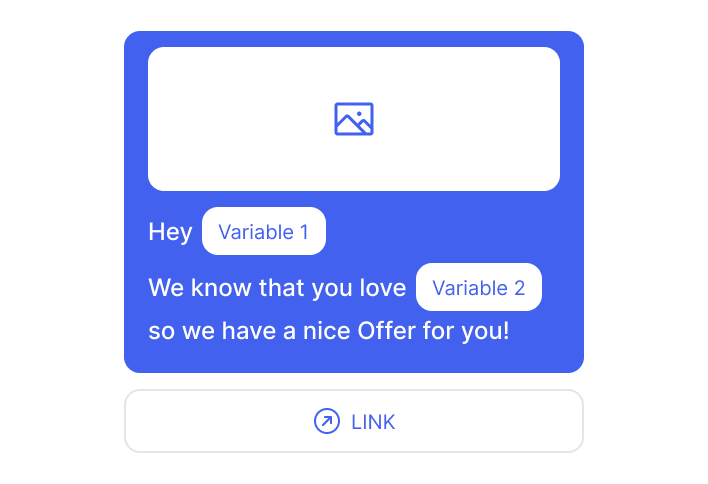
Pick a target group from Optimizely as your segment and personalise the WhatsApp message with the recipient's attributes, such as first name and area of interest.
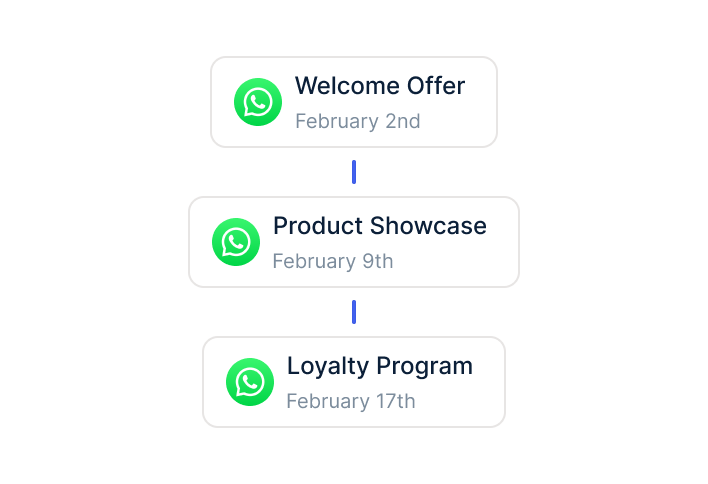
In the welcome flow, the customer shares their email address. Chatarmin subscribes them to your Optimizely list with double opt-in, and your email sequence takes it from there.
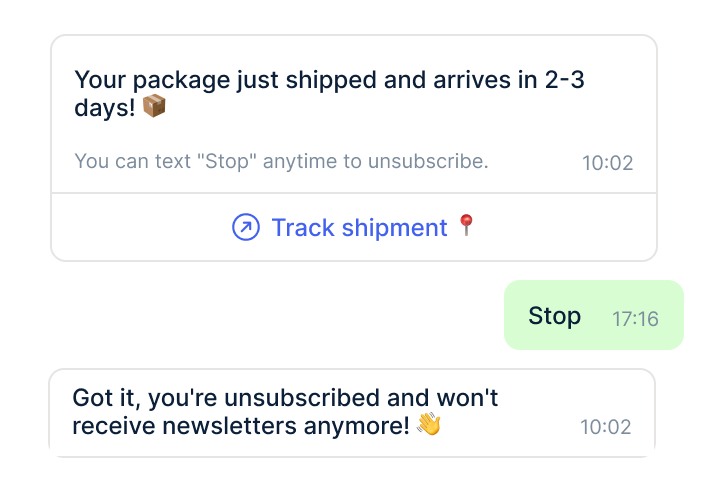
When a customer texts "Stop", Chatarmin updates the WhatsApp consent on their Optimizely recipient. With a flow action, you can also remove them from a WhatsApp-related list.
Target groups in Optimizely Campaign often hold years of work: purchase history, interests, engagement, countries. Chatarmin builds on that logic. In the segment builder, you select the target group and get every contact in it. With the inverted filter, you reach everyone who is not in it, for example customers without a newsletter subscription.
Flows work the same way. An If/Else split checks whether a contact belongs to a target group, is on a specific list or has a certain attribute. A regular customer gets a different message than a first-time buyer, and the distinction comes from data your team already maintains in Optimizely.
As soon as a customer gives WhatsApp consent, Chatarmin writes the status to the "whatsapp" attribute of their Optimizely recipient. Your email team can then build target groups such as "has WhatsApp consent" or "WhatsApp yes, newsletter no" and plan channels accordingly.
The same applies in reverse: when a customer unsubscribes from WhatsApp, the attribute changes. Optimizely documents for every recipient which channels they can be reached on. That helps day to day and in every data protection review.

Disclaimer: All data conducted from over 50+ Sales Calls with DACH Ecom Owners
The integration is built for brands that use Optimizely Campaign as their central email platform. These are often larger companies with their own CRM team, multiple countries or several brands under one roof.
Optimizely Campaign separates countries or brands into markets. Chatarmin checks the connection for each configured market individually and shows you where permissions are missing. That way you spot a missing access right in one country before a campaign there goes nowhere.
If you've built your target groups over the years, you don't want to rebuild them in a second tool. Chatarmin uses them as segments and as flow conditions, and your team keeps maintaining them in one place.
In categories like cosmetics, supplements or sports equipment, advice often decides the purchase. On WhatsApp you ask the right questions in the chat, for example about skin type, training goals or preferences, write the answers to Optimizely as attributes and use them for both email and WhatsApp.
What leading e-commerce brands from the DACH region say about Chatarmin
Jakob Graf
HANS Brainfood

“Easy integration with Shopify and Klaviyo, simple setup of all technical aspects. Direct customer reach with open rates over 85% and amazing ROI on WhatsApp costs. Perfect for top customers and as an exclusive sales element.”
Victor Horst
cusbclo

“If you’re not using WhatsApp marketing yet, go to Chatarmin.”
Lisa Straube
BitterLiebe

“I would recommend other companies to try WhatsApp marketing as well and implement it with Chatarmin.”
Matthias Leibitz
T1TAN

“Top tool. Integrates into our entire tech stack.”
HANS Brainfood
“Easy integration with Shopify and Klaviyo, simple setup of all technical aspects. Direct customer reach with open rates over 85% and amazing ROI on WhatsApp costs. Perfect for top customers and as an exclusive sales element.”
cusbclo
“If you’re not using WhatsApp marketing yet, go to Chatarmin.”
BitterLiebe
“I would recommend other companies to try WhatsApp marketing as well and implement it with Chatarmin.”
T1TAN
“Top tool. Integrates into our entire tech stack.”

In Optimizely Campaign, create a webservice user for the Campaign API with access to the markets you use.

Under Integrations → Optimizely, enter the credentials. Chatarmin checks the connection for each market.
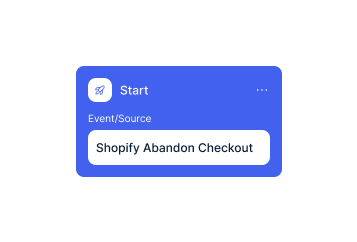
Turn on WhatsApp consent sync to the recipient attribute and build your first flow.
In Optimizely Campaign, create a webservice user for the Campaign API with access to the markets you use.
Under Integrations → Optimizely, enter the credentials. Chatarmin checks the connection for each market.
Turn on WhatsApp consent sync to the recipient attribute and build your first flow.
The connection to Optimizely is not available on the Starter plan. On top of your plan come Meta's fees for sending: 11 cents per marketing conversation in Germany, around 5 cents in Austria and Switzerland. Chatarmin passes them on 1:1, with no mark-up.
Messages inside an open 24-hour service window carry no Meta fee. That mainly applies to advisory conversations where the customer writes first.
What Chatarmin costs for your volume depends on the number of contacts, the number of WhatsApp numbers and the flows you plan. We'll walk you through the numbers in a call, including setups across multiple countries.
Chatarmin fits right into your existing tools.
Everything you need to know.
The integration connects Chatarmin with Optimizely Campaign, Optimizely's email marketing platform. Optimizely CMS, Commerce and Experimentation are not part of the integration.
The integration is not available on the Starter plan. If you don't see Optimizely under your integrations, your workspace needs an upgrade. We'll help you find the right plan in a call.
A webservice user for the Campaign API with access to your markets. The regular login for the Campaign interface won't work. The guide in our Help Centre shows how to create the user.
Usually the UI login is used instead of the webservice user. In that case, Optimizely Campaign often returns HTTP 404 instead of 401, which makes troubleshooting harder. More errors and fixes are covered in our Help Centre.
Yes. Chatarmin checks the connection for each configured market individually. If a market fails, the detail view shows which permission the API user is missing.
On a recipient attribute, the "whatsapp" field by default. You enable the sync once in the integration settings.
For syncing to Optimizely, yes, because Optimizely Campaign identifies recipients by email. You can still send WhatsApp messages to contacts without an email address.
Yes, as a segment for campaigns, as an entry filter in flows and as a condition in If/Else splits. You can also invert the filter to reach every contact outside a target group.
Meta charges 11 cents per marketing conversation in Germany and around 5 cents in Austria and Switzerland. Chatarmin passes that on 1:1.

We'll look at your setup and show you which target group pays off first. 15 minutes, free, with clear numbers.


