GDPR-Compliant
ISO 27001
Migration by Our Team
With armincx by Chatarmin, you switch from Trengo without taking on the move yourself. Our team migrates your Trengo data with browser-based AI agents, and we plan the cutover date together with you.


































Quick check for decision-makers
Plan, move, carry on: when you switch from Trengo, our team handles the migration and your team then carries on in armincx.
Our team moves your Trengo data to armincx in full. Your team doesn't have to organise the move itself.
Before we start, we go through with you which data from your Trengo account comes along.
The migration runs through browser-based AI agents, not through an API. We use the same approach for other helpdesks too.
For the move, we need access to your Trengo account in the browser. We agree with you beforehand how to set up that access.
We set the date for the switch together with you, taking into account your time zone, peak times such as sales, drops or Mondays, and your team's availability.
During the transition, both tools can run side by side for a short time. From the cutover date, your team works in armincx.
When you switch from Trengo to armincx, our team handles the full migration. We move your Trengo data with browser-based AI agents and plan the cutover date together with you.
The migration doesn't run through an API but through browser-based AI agents that work directly in your Trengo account. We use the same approach for other helpdesks too. For you, that means you don't have to set up an interface. We agree with you beforehand how to set up access to your Trengo account.
| Step | What happens |
|---|---|
| Clarify the scope | We go through with you which data from Trengo comes along. |
| Plan the cutover | We set the switch together, taking into account your time zone, peak times and your team's availability. |
| Migrate and switch over | Our team migrates your Trengo data, and your team works in armincx from the cutover date. |
For Zendesk, Freshdesk, Gorgias, Help Scout and other tools, there's Ticket Import. It brings over old conversations once, from an export file or a connected account.
Three stages from the plan to your first day in armincx.
Your team wants to move from Trengo to armincx. Together we set the cutover date, taking into account your time zone, peak times such as sales or drops and your team's availability.
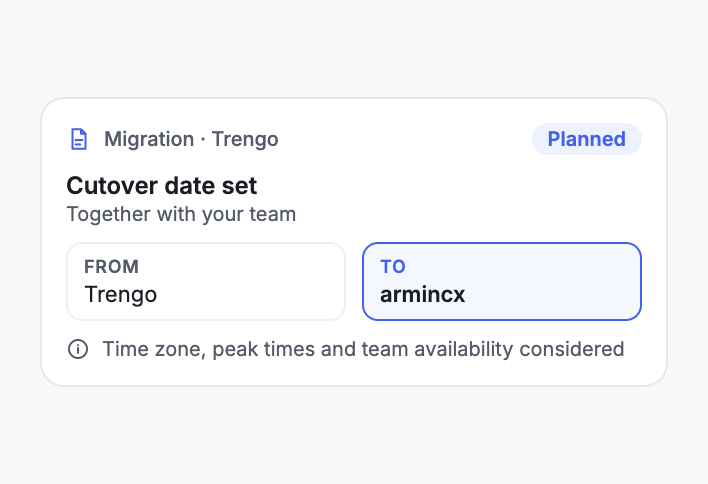
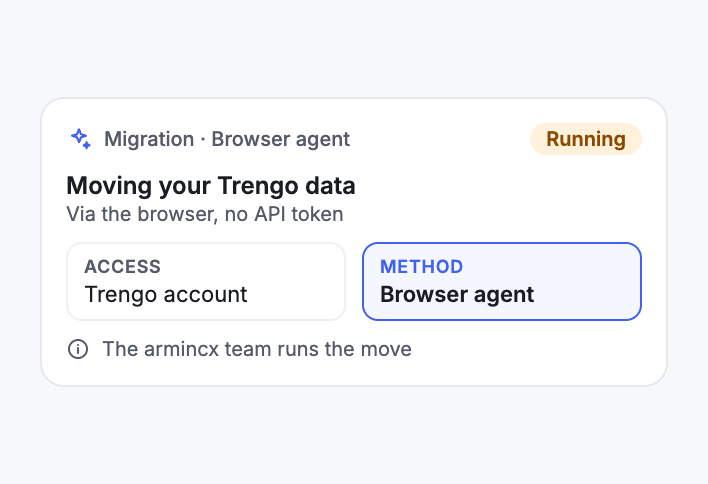
Our team migrates your Trengo data with browser-based AI agents. You don't have to set up an interface for it.
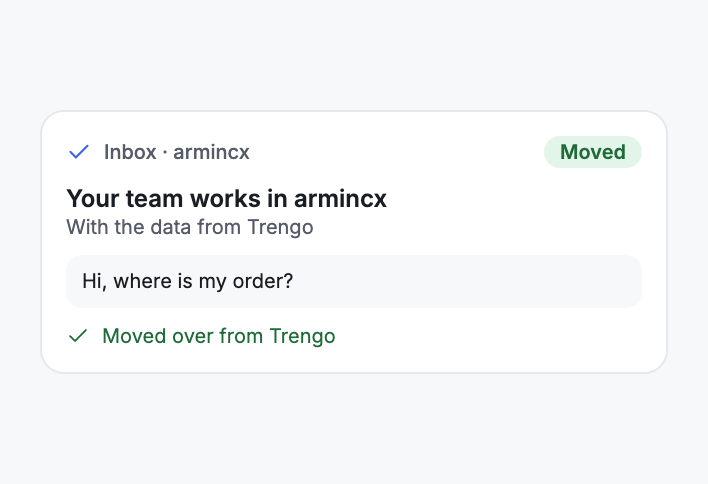
From the cutover date, your team works in armincx, with the data from Trengo.
Switching with our team compared with a move your team organises itself.


Disclaimer: All data conducted from over 50+ Sales Calls with DACH Ecom Owners
This page is for teams that work with Trengo today and want to run their customer service on armincx.
Our team handles the move. Your team keeps looking after customers while the migration runs.
The migration runs through browser-based AI agents. You don't need an API connection to Trengo for it.
We plan the cutover date together. That way the switch doesn't land in the middle of your most important days.
What leading e-commerce brands from the DACH region say about armincx.
Tobias J.
Braun Büffel

“Intuitive to use and quick in support.”
Dominik Englputzeder
myHarry

“To be honest, we are very excited about the tool. It is exactly what we need.”
Matthias Leibitz
T1TAN

“Top tool. Integrates into our entire tech stack.”
Eren Karacabay
vitabay

“Finally, an AI that doesn’t hallucinate.”
Braun Büffel
“Intuitive to use and quick in support.”
myHarry
“To be honest, we are very excited about the tool. It is exactly what we need.”
T1TAN
“Top tool. Integrates into our entire tech stack.”
vitabay
“Finally, an AI that doesn’t hallucinate.”

We go through with you which data from Trengo comes along and how we access your Trengo account.
Together we set the switch, taking into account your time zone, peak times and your team's availability.
Our team migrates your Trengo data, and your team works in armincx from the cutover date.
We go through with you which data from Trengo comes along and how we access your Trengo account.
Together we set the switch, taking into account your time zone, peak times and your team's availability.
Our team migrates your Trengo data, and your team works in armincx from the cutover date.
The migration from Trengo is part of armincx. All you need is your existing Trengo account.
What armincx costs your team depends on your ticket volume and the channels you use. We'll work through your setup with you in a call.
You can move to armincx from these tools as well.
Everything you need to know about switching.
Our team handles the full migration. We plan the cutover date for the switch together with you.
Through browser-based AI agents that work in your Trengo account, not through an API. We use the same approach for other helpdesks too.
No. We need access to your Trengo account in the browser. We agree with you beforehand how to set up that access.
We handle the full migration from Trengo. Before we start, we go through with you which data that includes for you.
We set the cutover date together, taking into account your time zone, peak times such as sales, drops or Mondays, and your team's availability.
Yes, during the transition. Keep this phase short. From the cutover date, your team works in armincx.
No. The migration from Trengo is part of armincx. What armincx costs depends on your ticket volume and your channels.
Yes. For Zendesk, Freshdesk, Gorgias, Help Scout and other tools, there's Ticket Import.

In 15 minutes, we show you how armincx works and plan the move from Trengo with you.