GDPR-Compliant
ISO 27001
Add-on for Freshchat
With the Chatarmin add-on, your team starts WhatsApp chats, manages service tickets and sends templates with dynamic variables without leaving Freshchat.


































The Quick Check for Decision Makers
Freshchat stays the place where your service team works. Chatarmin adds WhatsApp through an add-on.
Your team starts chats via WhatsApp directly in Freshchat. To do this, you install the Chatarmin add-on in your Freshchat account.
Your service team keeps working in the interface it knows. WhatsApp joins as a channel, and nobody has to switch to a second tool for these chats. You receive the add-on from our team as a ZIP file and install it as a custom app in Freshchat.
Alongside the WhatsApp chats, you also manage service tickets directly in Freshchat. Chats and tickets sit where your team works anyway.
When chats and tickets sit in the same place, your team does not have to jump between windows to handle a request. Working with WhatsApp stays part of the familiar routine in Freshchat.
You send templates with dynamic variables directly from Freshchat. Your team no longer has to write recurring messages from scratch every time.
Dynamic variables are placeholders in a template, for example for a first name. One template works for many conversations and still reads personally.
Freshchat is your service team's workspace. Chatarmin brings WhatsApp there through its own add-on. Your team starts WhatsApp chats, manages service tickets and sends templates with dynamic variables, all directly in Freshchat.
In Freshchat you find your API Key and your Chat URL under Admin Settings > Marketplace and Integrations > API Settings. You paste both into the matching fields in Chatarmin. Chatarmin then gives you a webhook URL. You paste it into Freshchat under Marketplace and Integrations > Conversation Webhooks and save it. Finally, you save the connection in Chatarmin.
You receive the add-on from our team as a ZIP file. In the Freshchat Developer Portal (Admin Settings > Marketplace and Integrations > Marketplace Apps > Manage Apps) you create a new custom app and upload the ZIP file. You enter "Chatarmin" as the app name in all fields, add your support email address and click Save and Publish. Then you find Chatarmin under Manage Apps in the Custom Apps section and install it. If you do not have the ZIP file, just get in touch with us.
You can find the step-by-step guide in our Help Center.
Three workflows from everyday service work, all directly in Freshchat.
Your team starts the WhatsApp chat directly in Freshchat. It stays in the interface it knows and does not open a second tool for it.
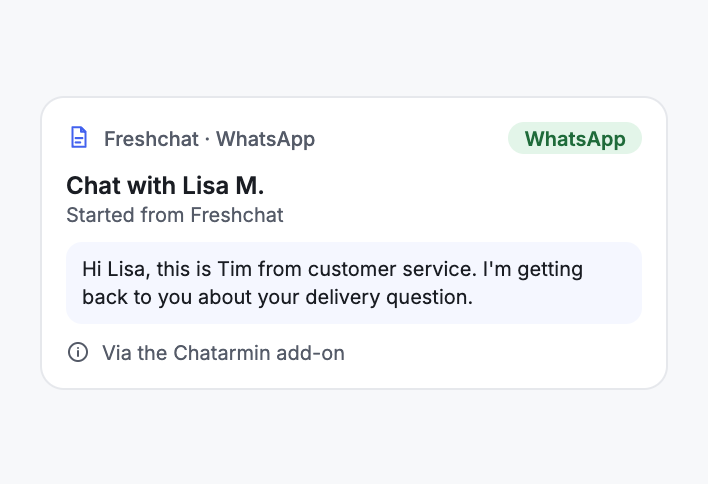
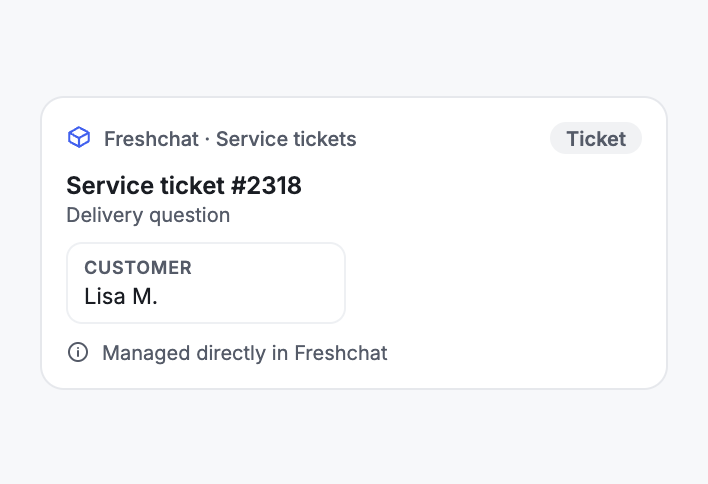
Alongside the chats, your team also manages service tickets directly in Freshchat. Both sit in the same place.
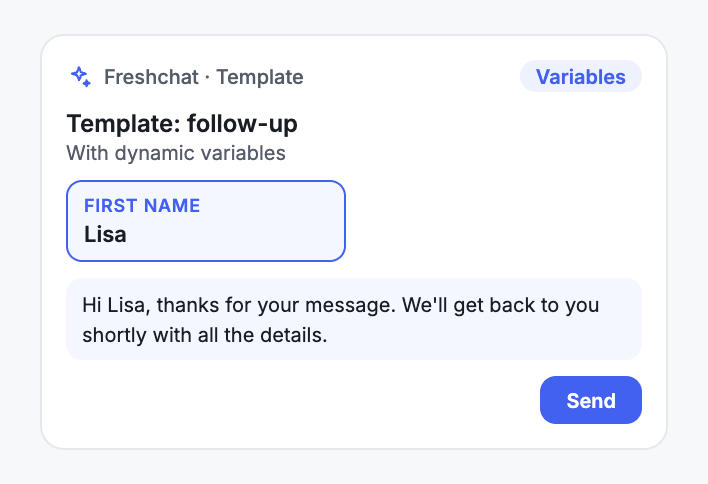
For recurring requests your team picks a template and sends it from Freshchat. Placeholders such as the first name turn it into a personal message.
A new channel should not mean a new window for your service team. With the Chatarmin add-on, WhatsApp stays in Freshchat. Your team starts WhatsApp chats and manages service tickets in the same place and does not have to learn a second interface for the new channel.
For you as a team lead this means there is nobody to train on another tool. Your routines in Freshchat stay as they are, and WhatsApp joins them.
Many requests in e-commerce repeat themselves: questions about delivery, about an order or about a return. For these, your team sends templates with dynamic variables directly from Freshchat. The placeholders, for example for the first name, turn a template into a message that fits the conversation.
Nobody rewrites the same answer over and over, and the wording stays consistent across the whole team.


Disclaimer: All data conducted from over 50+ Sales Calls with DACH Ecom Owners
The integration fits e-commerce teams whose customer service works in Freshchat and who want to add WhatsApp without switching workspaces.
Your team knows Freshchat and works there every day. With the Chatarmin add-on, WhatsApp arrives in exactly that interface: start chats, manage service tickets, send templates.
This page describes the Chatarmin add-on you install in Freshchat. If your team works with Freshdesk, our page on the Freshdesk WhatsApp integration shows how Chatarmin runs alongside your Freshdesk setup.
Chatarmin is an official Meta Business Partner, certified to ISO 27001, GDPR-compliant and hosted on servers in Europe. More than 500 brands use Chatarmin.
What leading E-Commerce brands from the DACH region say about armincx
Jakob Graf
HANS Brainfood

“Easy integration with Shopify and Klaviyo, simple setup of all technical aspects. Direct customer reach with open rates over 85% and amazing ROI on WhatsApp costs. Perfect for top customers and as an exclusive sales element.”
Victor Horst
cusbclo

“If you’re not using WhatsApp marketing yet, go to Chatarmin.”
Lisa Straube
BitterLiebe

“I would recommend other companies to try WhatsApp marketing as well and implement it with Chatarmin.”
Matthias Leibitz
T1TAN

“Top tool. Integrates into our entire tech stack.”
HANS Brainfood
“Easy integration with Shopify and Klaviyo, simple setup of all technical aspects. Direct customer reach with open rates over 85% and amazing ROI on WhatsApp costs. Perfect for top customers and as an exclusive sales element.”
cusbclo
“If you’re not using WhatsApp marketing yet, go to Chatarmin.”
BitterLiebe
“I would recommend other companies to try WhatsApp marketing as well and implement it with Chatarmin.”
T1TAN
“Top tool. Integrates into our entire tech stack.”
Set up the connection, add the webhook, install the add-on.

You copy the API Key and Chat URL from Freshchat (Admin Settings > Marketplace and Integrations > API Settings) and enter both in Chatarmin.
You paste the webhook URL from Chatarmin into Freshchat under Conversation Webhooks. Then you save the connection in Chatarmin.
You upload the ZIP file from our team as a custom app in the Developer Portal, name it "Chatarmin", publish it and install it under Manage Apps.
You copy the API Key and Chat URL from Freshchat (Admin Settings > Marketplace and Integrations > API Settings) and enter both in Chatarmin.
You paste the webhook URL from Chatarmin into Freshchat under Conversation Webhooks. Then you save the connection in Chatarmin.
You upload the ZIP file from our team as a custom app in the Developer Portal, name it "Chatarmin", publish it and install it under Manage Apps.
Meta charges for every message. A marketing message costs €0.1131 in Germany, so around 11 cents per marketing message. In Austria and Switzerland it is €0.0490, around 5 cents. A utility message costs €0.0456 in Germany. Since 1 October 2026, service messages cost money too, also €0.0456 in Germany. These figures are based on the Meta rate card valid since 1 July 2026.
The connection to Freshchat is part of your Chatarmin setup. What Chatarmin costs depends on your volume. In a call we walk you through the numbers based on your message volume and your workflows.
Everything worth knowing about the integration.
You start WhatsApp chats, manage service tickets and send templates with dynamic variables. All of it happens directly in Freshchat.
No. Chats, service tickets and templates all run directly in Freshchat.
The API Key and Chat URL from Freshchat under Admin Settings > Marketplace and Integrations > API Settings. You also add the webhook URL from Chatarmin in Freshchat under Conversation Webhooks.
You receive the ZIP file from our team. If you do not have it, just get in touch with us.
In the Freshchat Developer Portal you create a custom app, upload the ZIP file, name it "Chatarmin" and click Save and Publish. Then you install it under Manage Apps in the Custom Apps section.
Yes. You send templates with dynamic variables directly in Freshchat.
No. This page describes the Chatarmin add-on for Freshchat, while the Freshdesk page describes Chatarmin alongside a Freshdesk setup.
Meta charges around 11 cents per marketing message in Germany and around 5 cents in Austria and Switzerland. Since 1 October 2026, service messages cost money too, €0.0456 in Germany.
Yes. WhatsApp conversations arrive in Freshchat as tickets with the chat history, and your team's replies go to the customer on WhatsApp. If the customer's last message is more than 24 hours old, you send a template through the Chatarmin add-on.
No. The integration belongs to Chatarmin for WhatsApp marketing, while armincx by Chatarmin is our AI customer service with its own omnichannel inbox and its own integrations.

We look at your setup and show you how WhatsApp runs in Freshchat for your team. 15 minutes, free of charge.