









How did Babossa set up armincx?
The goal: customer service for every brand in one system, neatly sorted by topic, with as little manual work as possible. Our team supported Babossa all the way through, from integrating every system to migrating from the two old ticketing systems.
Step 1: Connect channels, brands & Pickware
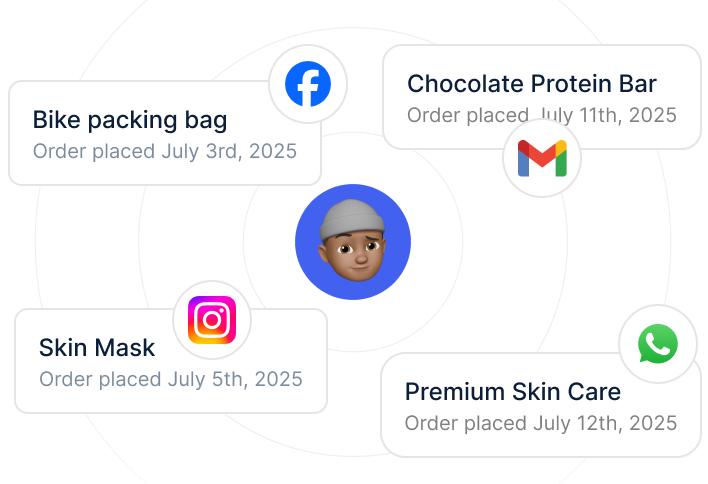
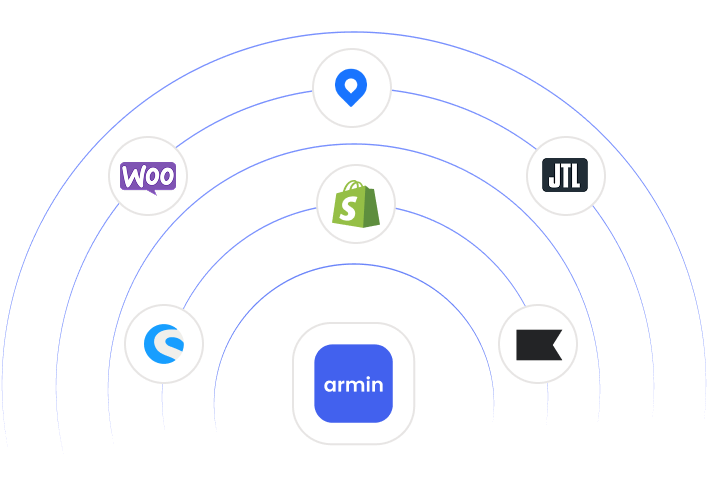
First, Babossa connected all 5 channels to armincx, from the 10 email inboxes to Instagram, TikTok and the website contact form. All 7 brands run in the same account, and every ticket is automatically assigned to the right brand. At the same time, Babossa connected its ERP and shop system so armincx can access invoices and product data. Everyone in customer care gets their own login.
Step 2: Train the AI
Next, the AI was trained on the knowledge of all 7 brands. The foundation: the brand websites, product data from the ERP and shop system, plus guides for grills and accessories. The team added Q&A pairs for the most common questions. Babossa also set a tone of voice and escalation rules for each brand, so sensitive cases like complaints go straight to a human.
Step 3: Set up tags and routing rules
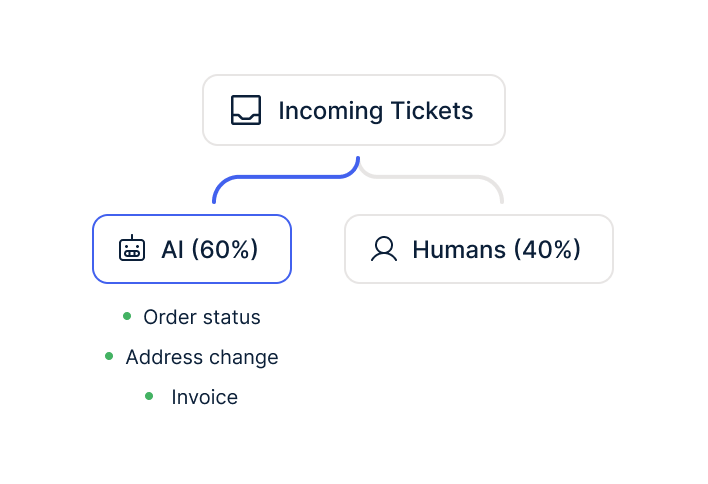
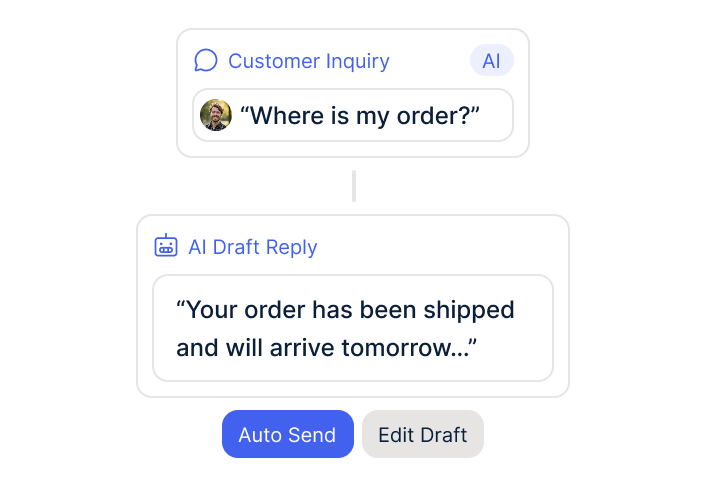
For routing, Babossa created a set of tags, one per topic, such as "Grill consultation" or "Complaints & spare parts". The AI reads every incoming message and applies the right tag automatically. Each tag has its own inbox view and a routing rule that decides which team member gets the ticket. Where needed, armincx supports the team with automatic reply drafts. 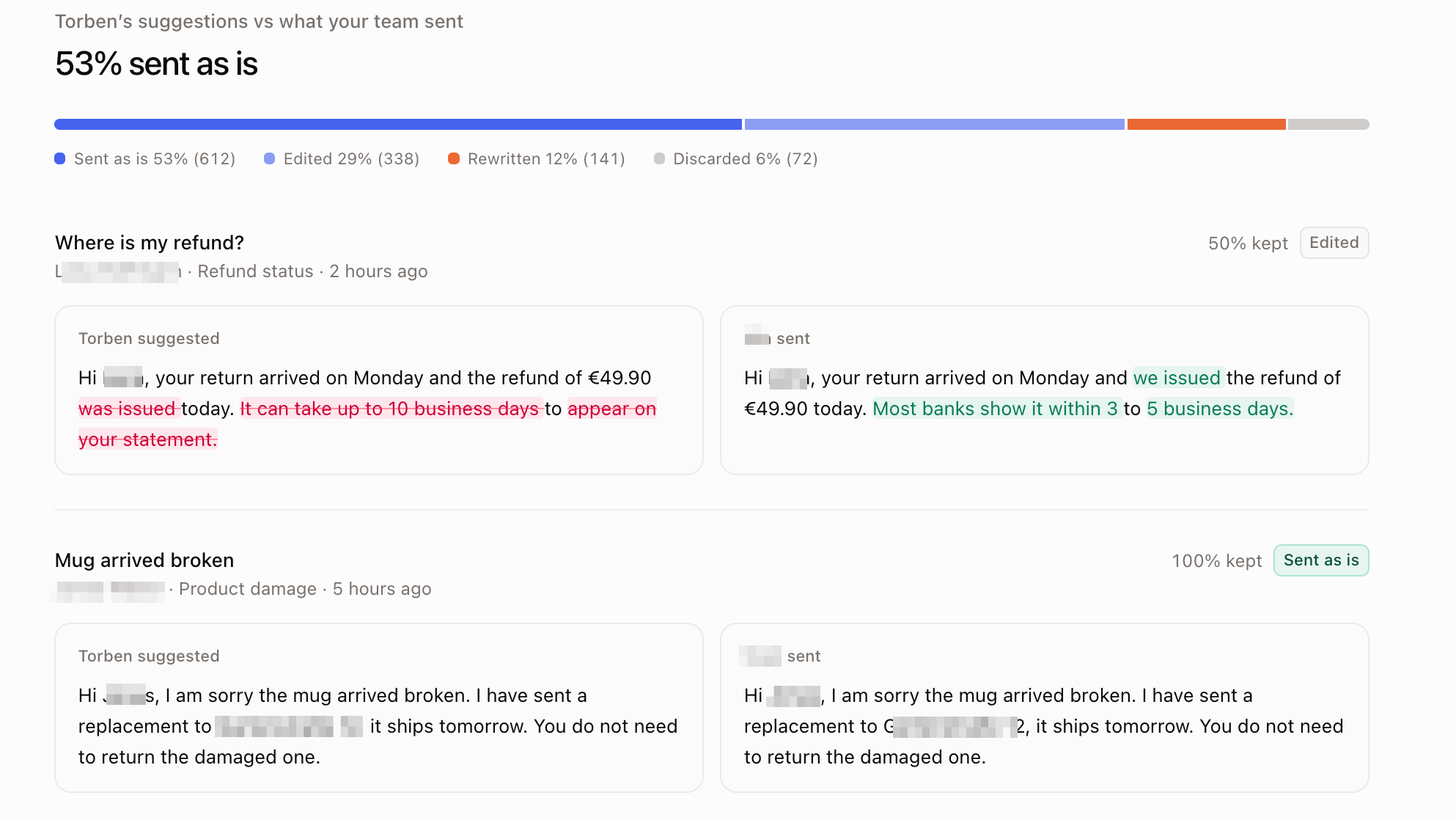
Step 4: Workflows take over the routine
Routine topics like invoices or order status get their own tag too, which then triggers the matching workflow. Babossa automates everything standardized through workflows. In the builder, every workflow follows the same pattern: a tag triggers it, armincx pulls the data it needs, sends the reply to the customer and closes the ticket, fully automatically.
Here is how routine topics get solved through workflows:
→ Tag "Invoice" → Workflow pulls the PDF from Pickware → Invoice goes to the customer as an attachment → armincx closes the ticket
→ Tag "Order status" → Order lookup → Status and tracking link go to the customer → armincx closes the ticket
armincx handles these tickets from start to finish. That frees up capacity in customer care for the requests where expert advice matters, from outdoor kitchens to premium grills.