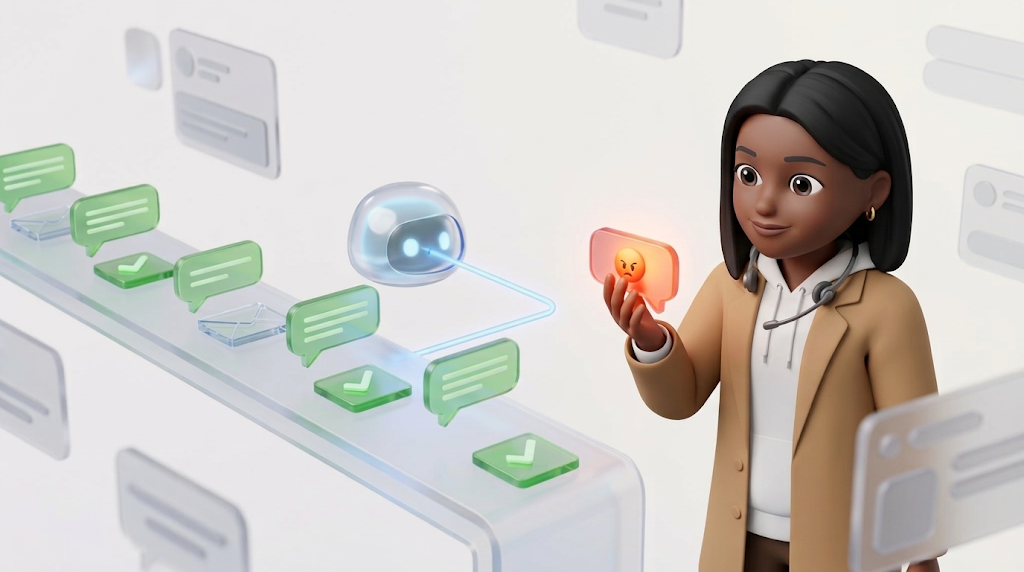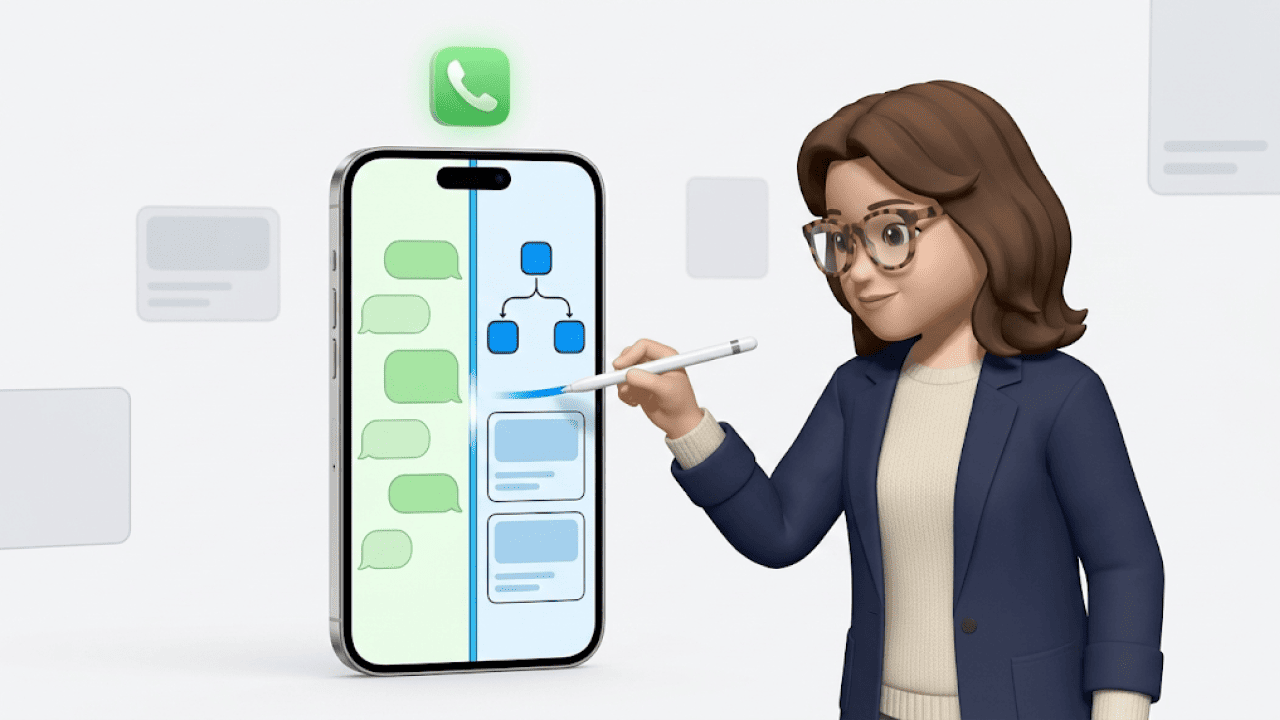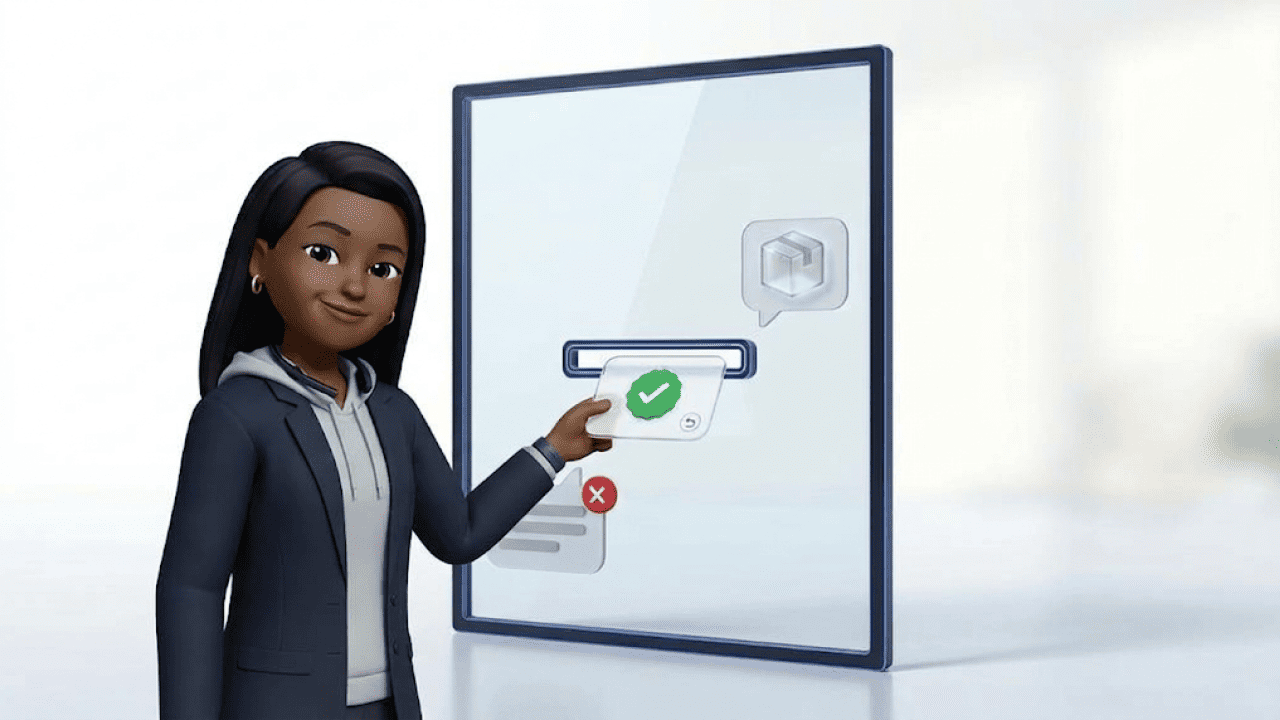

WhatsApp customer service means customers message your shop on WhatsApp, and your team or an AI agent replies in the same chat. For shops, the channel pays off mainly for order status, returns and product questions before purchase. For one person with a few chats, the free WhatsApp Business App is enough. If several people reply or answers should pull in order data automatically, you need the API. Since October 2026, Meta also charges for service replies there.
Saturday, 9:40 pm. A customer writes: “Where is my parcel? I need the shoes on Monday for a wedding.” By email she would wait until Monday; on WhatsApp she hopes for an answer the same evening. Whether your team can deliver that answer depends on how you set up the channel.
Which enquiries belong in WhatsApp customer service?
WhatsApp mostly attracts short questions that can be solved with one piece of information or one action. Long complaint stories with lots of attachments usually stay in email. The table shows how well typical shop enquiries fit the chat and what data the answer needs.
| Enquiry | Fit for WhatsApp | What the answer needs |
|---|---|---|
| Where is my order? | Very good, one message with status and tracking link is enough | Order status from shop or ERP, tracking from the carrier |
| Return or exchange | Good, return link or label straight in the chat | Returns portal or ERP with label creation |
| Cancellation before dispatch | Good, as long as the answer comes quickly | Write access to the order in the shop |
| Invoice | Good, the PDF goes straight into the chat | Invoice document from shop, ERP or inventory system |
| Change of address | Good, as long as the parcel is still in the warehouse | Write access and current shipping status |
| Product advice before purchase | Very good, photos and product links in the chat | Product catalogue, FAQ, size charts |
| Complaint about a faulty product | Medium, photos yes, your team makes the decision | Photos, order number, goodwill rules |
| Complaint threatening legal action | Low, goes straight to a human | Escalation rule and a responsible person |
Order status is almost always the best place to start. The question comes up daily in every shop, the answer is already in the system, and a single message solves it. How this works without copy-pasting between shop and shipping tool is shown on our page about where-is-my-order requests.
WhatsApp Business App or API: what do you need for support?
For one person with a few chats a day, the free WhatsApp Business App is enough. As soon as several people reply at the same time or order data should flow into answers automatically, you need the WhatsApp Business API through a provider.
| Criterion | WhatsApp Business App | WhatsApp Business API |
|---|---|---|
| Access | Smartphone plus up to four linked devices | Web-based software for the whole team |
| Automation | Greeting, away message, quick replies | Workflows, chatbots and AI agents with shop data |
| Shop data | Your team copies it by hand from the shop | Comes through integrations, for example from Shopify, Shopware or JTL |
| Ticket logic | One chat history per contact | Assignment, status and handover between AI and team |
| Meta fees | App free of charge | Per delivered message, usage-based |
The app is a messenger; the API is a support system. In the app, everyone writes in the same chat history without clear ownership. With the API, WhatsApp chats land as tickets in the same inbox as your emails, and every enquiry has a responsible person.
If you want to keep your number from the app, there is Coexistence. It runs the Business App and the API in parallel on the same number, so your customers keep writing to the number they know.
What does WhatsApp customer service cost since October 2026?
Since 1 October 2026, Meta also charges for service replies per delivered message. Until the end of September, replies within the 24-hour window were free. Now every business number gets 1,000 free service messages per month; after that, the utility rate of the recipient's country applies, according to Meta's pricing overview (as of 22 October 2026).
What changes in detail:
- Messages from your customers to you stay free.
- Service replies within the 24-hour window cost money per message from the 1,001st message in a month.
- Utility templates sent as replies within the window, for example a shipping confirmation, have been chargeable again since 1 October.
- Replies from a third-party AI agent count as normal service messages for Meta. The AI provider bills its AI costs separately.
You can find current prices per country and category in our overview of WhatsApp Business costs.
A worked example: with 100 WhatsApp chats a day, the free allowance runs out on the fourth day. With three replies per chat, your team sends around 300 service messages a day. From then on, every message counts.
In practice: one complete reply is cheaper than three half ones. Status, tracking link and delivery date belong in one message instead of “One moment, let me check”, “Here is the link” and “Anything else?”. The cost of your support software comes on top.
How does the 24-hour window work in support?
The customer service window opens with every message from your customer and stays open for 24 hours. During this time you can write freely. After that, only templates that Meta has approved in advance are allowed.
A typical returns case:
| Time | What happens | What you may send |
|---|---|---|
| Monday, 10:00 | Customer asks about a return | Free-form replies, window open until Tuesday 10:00 |
| Monday, 10:05 | You send the returns link | Free-form service message, chargeable after the free allowance |
| Tuesday, 14:00 | The warehouse confirms the return has arrived | Window closed, only an approved utility template |
| Tuesday, 14:30 | Customer replies with “Thanks” | Window open again until Wednesday 14:30 |
So plan templates for everything that happens later than 24 hours. This mainly covers returns received, refunds and delivery delays. If the right template is missing, your team can only switch to email, and the customer has to explain the case again there.
Every template needs Meta's approval before you can use it. So create the three standard cases before you make the channel public.
How much customer service really runs through WhatsApp today?
In our data, a little more than one in nine support tickets comes in via WhatsApp. The AI customer service benchmark analyses 2.9 million resolved tickets from 131 shops between June 2025 and June 2026.
| Channel | Share of all tickets |
|---|---|
| 63.0% | |
| 15.4% | |
| 11.2% | |
| 5.1% | |
| Widget | 2.2% |
| TikTok | 1.7% |
Email remains by far the largest support channel. WhatsApp complements it for quick questions that can be settled in one message in the chat. The sample consists of Chatarmin customers and, according to the study, is not representative of e-commerce as a whole.
Automated tickets are resolved considerably faster. At the median, workflow tickets close after 1.0 days, AI-resolved tickets after 1.9 days and manually handled tickets after 3.0 days. Overall, 32.9% of all resolved tickets are automated.
The same data also shows the limit: AI on its own fully resolves 4.9% of all tickets without a human. The larger share of automation comes from workflows. Our assessment: the WhatsApp share depends heavily on how visible you make the channel, for example with a button in the order confirmation.
How can you automate WhatsApp customer service?
Automation on WhatsApp works when the answer comes from your systems. A bot with canned text answers “Where is my parcel?” with a generic tracking link, and the customer has to look up her status herself. An AI agent with a shop connection states the status of exactly this order and can offer the cancellation or change of address straight away.
Five steps to get there:
- Count enquiries. Export a month's WhatsApp chats and sort them by enquiry type. This shows you which three topics make up the largest share.
- Connect systems. Shop system, ERP, carrier and returns portal supply the data for every answer.
- Start with order status. The answer is clear-cut here, and mistakes show up immediately.
- Define the handover. Decide when the AI hands over to a human: for anger, legal topics, goodwill above your threshold and for regular customers with a high order value.
- Set KPIs. Measure automation rate, resolution time and customer satisfaction per channel.
How AI agents differ from classic chatbots, and where they help beyond WhatsApp, is explained in our guide to AI in customer service.
What a start can look like: A shop with 100 WhatsApp chats a day first opens only order status. In the second step, invoices and address changes follow, because the data for them is already connected.
What does WhatsApp customer service look like with armincx by Chatarmin?
armincx brings WhatsApp together with email, Instagram, Facebook, live chat and contact forms in one inbox. The AI agent reads the enquiry, fetches the order data from your shop and replies in the same chat.
In the Saturday evening example:
- At 9:40 pm the customer writes: “Where is my parcel?”
- armincx recognises the order status enquiry and asks for the order number if it is missing.
- armincx fetches status and tracking link from Shopify, JTL or another connected system and replies in one message.
- If the customer wants to cancel and the parcel is still in the warehouse, armincx cancels the order directly in the shop.
What is behind it:
- Shop connection: Shopify, Shopware, JTL, Xentral and Billbee.
- AI actions depending on the connected system: cancellation, change of address, return and invoice, and in Shopify also the refund.
- Marketplaces: Amazon with order data and AI actions. OTTO and Kaufland run as an email channel in the inbox, where your team answers the enquiries.
- Marketing and service: if someone replies to a WhatsApp newsletter from Chatarmin with a support question, it lands as a ticket in armincx.
- AI drafts: if you want to check first, let the AI suggest replies and approve them within the team.
Chatarmin works with more than 500 brands, and onboarding is handled by a German-speaking team. It builds the first workflows together with you. What WhatsApp support for businesses looks like with us in detail is shown on our WhatsApp support page.
Quick replies, chatbot or AI agent: what suits your shop?
The right level depends on how many different questions come in each day and whether the answer needs shop data. The matrix helps you decide before you invest time in decision paths or integrations.
| Criterion | Business App with quick replies | Chatbot with decision tree | AI agent with shop connection |
|---|---|---|---|
| Suits | One person who handles all chats on the side | Many identical questions with few variations | Many chats with many variations and peaks in Q4 |
| Answers | Whatever your team types | Predefined paths via buttons | Free-form questions with real order data |
| Actions in the shop | Your team does them by hand | Links to portals and forms | Cancellation, change of address, return, invoice |
| Effort to start | Install the app, create texts | Build and maintain paths and texts | Connect systems, define workflows and handover rules |
| Limit | Nobody replies in the evening or at the weekend | Questions outside the paths go nowhere | Goodwill, complaints and legal questions go to your team |
| Meta fees | App free of charge | Per delivered message | Per delivered message, plus the provider's AI costs |
Our rule of thumb: if more than half of your WhatsApp chats are about order status, returns and invoices, an AI agent pays off. A decision tree quickly reaches its limit here, because every order looks different. If the rest is mainly standard questions such as shipping costs or opening hours, a well-maintained chatbot is often enough for that part. Product advice before purchase is the exception, because it needs free-form answers and therefore suits an AI agent better.
If you want to know which of your WhatsApp enquiries armincx can take over, bring ten real chats and book a demo. We will then go through them together.
What should you avoid in WhatsApp customer service?
Six shortcuts cost you trust, money or, in the worst case, your number on WhatsApp. The bold text shows what to do instead:
- Marketing only with a separate opt-in. Someone who writes to you about a return has not given marketing opt-in by doing so. For newsletters, obtain separate consent.
- Company phone or API instead of personal phones. On personal phones, customer data ends up in the private address book, and the chat history leaves with the employee.
- Complaints go to humans. Angry customers, legal threats and goodwill above your threshold are handled by your team. The AI agent collects the facts first and hands the case over.
- Sensitive data via a secure page. For payment or ID data, send a link to a secure page in your shop.
- Label AI openly. Say when an AI agent is replying. Since 2 August 2026, Art. 50 of the EU AI Act has required that people can recognise when they are chatting with an AI.
- One complete message instead of five half ones. Since October 2026, every service reply costs money once the free allowance is used up.
The most important rule: WhatsApp speeds up a good process and exposes a bad one. If your team opens three tools for a return today, it will open the same three tools on WhatsApp, just under more time pressure.
Frequently asked questions about WhatsApp customer service
Is WhatsApp customer service GDPR-compliant?
It depends. With the official API and a data processing agreement, it is feasible in our assessment, while the Business App with a synced address book is risky.
What does WhatsApp cost for customer service?
Messages from your customers are free; since 1 October 2026, your service replies cost the utility rate of the recipient's country after 1,000 free messages per month and number (as of October 2026). The cost of your support software comes on top.
Can I use the WhatsApp Business App for customer service?
Yes. It is enough for one person with a few chats a day, but for several agents and automatic replies with shop data you need the API.
Can I message customers on WhatsApp who have never written to me?
It depends. With documented opt-in and a template approved by Meta, yes; without opt-in you risk complaints and having your number blocked.
Can WhatsApp customer service be automated?
Yes. Order status, returns, cancellations, invoices and address changes can be automated with a shop connection, and our guide to customer service automation shows which enquiries to tackle first.
Does customer service via WhatsApp replace email support?
No. In our benchmark, email remains the largest channel, WhatsApp complements it for quick questions, and both work best in a shared inbox.
What happens if I take longer than 24 hours to reply?
Then you may only send a template approved by Meta. If the customer replies to it, the window opens again for 24 hours.
Conclusion: WhatsApp customer service pays off with shop data
WhatsApp customer service brings your shop the most when the answer comes straight from your systems. Start with order status and create templates for everything that happens later than 24 hours. Factor every service reply into your costs, because since 1 October 2026 Meta charges for them once the free allowance is used up. Complaints, goodwill and legal questions stay with your team.
Your next step: count last month's WhatsApp enquiries by type, and you will know where automation should start.