
WhatsApp Coexistence ends a decision that used to cost you nerves: Business App or API. Until recently, switching to the WhatsApp Business API meant a new system, giving up the app, and in the worst case losing your chats. Since the DACH rollout in November 2025, you can run both at the same time. One number, two worlds. This guide covers what Coexistence does, where Meta draws the line, and who actually benefits from the feature.
In short: WhatsApp Coexistence is a Meta feature that lets you use the WhatsApp Business App and the WhatsApp Business API (Cloud API) on the same number at the same time. During onboarding, roughly the last 6 months of chats are synced. Your team keeps replying 1:1 from the app while campaigns, templates, and automations run through the API.
What Is WhatsApp Coexistence?
Until now, WhatsApp for business meant two separate worlds. The WhatsApp Business App: free, on your phone, familiar. And the WhatsApp Business API: bulk messaging, automations, team access. The catch: one number could only ever live in one of the two worlds.
WhatsApp Coexistence removes exactly this separation. Meta officially calls the feature “Onboard WhatsApp Business app users”; in practice, Coexistence or Coexistence Mode has become the common name. You connect your existing Business App number to the Cloud API and keep both: the app on your phone and full API access through a platform like Chatarmin. The details are in the official Meta documentation.
For the DACH region, the feature has been available since November 2025. Many shops have never heard of it.
How Does the Coexistence Mode Work?
The principle is simple: both systems share one number, but they split the work.
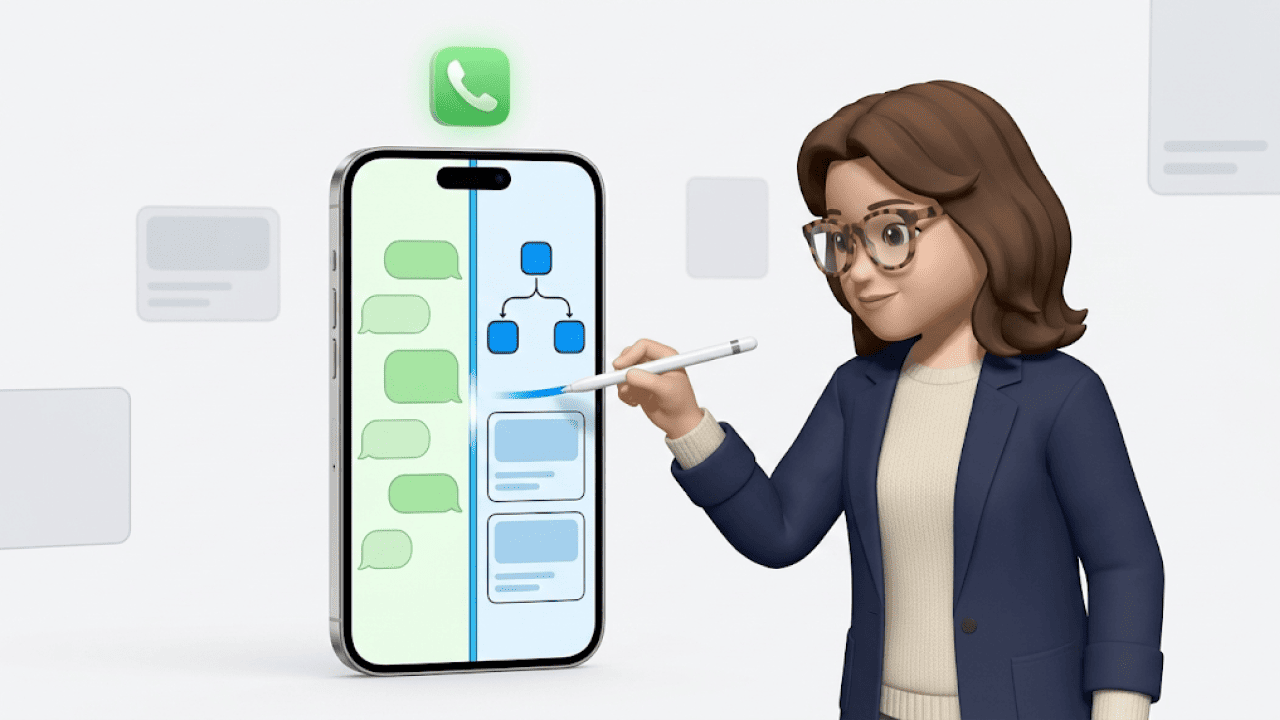
The WhatsApp Business App stays your channel for personal 1:1 messages. You keep replying from your phone, just like before. The API takes over everything the app cannot do: template messages for marketing and utility, flows, chatbots, a team inbox, integrations with Shopify and your CRM.
During onboarding, Meta syncs roughly the last 6 months of chat history into your API platform. Your team sees the existing conversation history with your customers from day one.
Here is the comparison in concrete terms:
| Business App | Business API | Coexistence | |
|---|---|---|---|
| 1:1 chats on your phone | Yes | No | Yes, via the app |
| Templates and campaigns | No | Yes | Yes, via the API |
| Team access | Max. 4 linked devices | Any number of users | Any number of users via the platform |
| Chat history when switching | Stays on the device | Starts from zero | Roughly 6 months synced |
| Throughput per number | Low | Up to 80 messages per second | 20 messages per second |
In practical terms: Coexistence is a bridge between the two existing systems.
Who Should Use WhatsApp Business Coexistence?
We went through our sales calls since July 2026 and searched them systematically for the topic. The result surprised us: the trigger is almost always loss of control, rarely price. The three most frequent questions, almost word for word in every call:
“Can we keep our number?” “Can I keep using WhatsApp on my phone?” “What happens to the old chats?”
This leads to three scenarios where Coexistence is the right answer.
Scenario 1: You Have Outgrown the Business App
The classic picture: a company phone sits in the office, a maximum of 4 linked devices, and nobody knows who is replying right now. Bulk messaging is impossible through the app, and anyone who tries it with broadcast lists anyway risks getting the number banned. With Coexistence, you add a team inbox and automations while keeping your phone setup.
Scenario 2: You Want the API, but Without a Hard Migration Cut
Until now, switching was a hard break: re-verify the number, lose the chats, and customers suddenly write into an empty thread. For many shops that was a dealbreaker, understandably. Your number is printed on your website, on package inserts, and saved in thousands of customer contacts. With Coexistence, the number stays, the contacts stay, and roughly half a year of conversation history stays too.
Scenario 3: You Want to Cut API Costs in Customer Service
Messages via the Cloud API are billed on a usage basis. Within the 24-hour customer service window you reply freely; after that, the API requires a paid template. Coexistence gives you a second route: once the window closes, your team simply replies through the Business App, like in any normal chat. For shops with a lot of 1:1 support, that is a real cost lever.
Requirements: What Meta Expects for Coexistence
Coexistence is only open to some businesses. There are two conditions you need to know before you start the setup.
First: Meta requires a minimum volume of activity in your WhatsApp Business App. Meta does not publish a concrete threshold. Whether your number qualifies only becomes visible during the setup. A freshly created, barely used Business App number usually fails the check.
Second: Meta excludes individual countries from the rollout. Which ones are currently affected is shown during the onboarding process. For shops in the DACH region this is a non-issue; for international setups with local numbers it can be one.
The Limits: What Coexistence Cannot Do
Now for the part that hardly any provider tells you voluntarily. Coexistence comes with four trade-offs, and you should know all four before you decide.
Templates only run through the API. You send marketing campaigns and utility messages exclusively through the platform. The Business App stays limited to 1:1 communication. If you expect to send newsletters from your phone in the future, you will be disappointed.
The throughput of your number drops from 80 to 20 messages per second. Sounds dramatic. For most shops it is irrelevant: 20 messages per second is 1,200 per minute. If you regularly message six-figure recipient lists in a tight time window, for example during a Black Friday drop, run the numbers first.
History is limited to roughly 6 months. The onboarding sync brings about half a year of conversation history into the platform. Older chats stay in the app on your device and never reach the API world.
The Business App has to stay active. Open the app at least every 14 days, otherwise Meta disconnects the link between app and API. For teams that reply from their phone daily anyway, this is a non-issue. If the app disappears into a drawer after setup, the connection is lost.
And the honest assessment: if you do not actively use the Business App, or if you want to start with a fresh number anyway, you do not need Coexistence. In that case, the classic API setup is the more direct route.
How to Set Up WhatsApp Coexistence with Chatarmin
The setup runs through Meta’s Embedded Signup, directly from Chatarmin. The process in short form:
- You start the WhatsApp connection in Chatarmin and choose your existing Business App number instead of a new one.
- Meta checks whether your number qualifies for Coexistence and guides you through the linking process.
- After onboarding, Meta syncs your contacts and roughly the last 6 months of chats into your Chatarmin inbox.
- From then on, both run in parallel: your team on the phone via the app, campaigns and flows via Chatarmin.
A step-by-step guide with screenshots and the most common error messages is available in our Help Center.
Conclusion: You No Longer Have to Choose
For years, switching to the WhatsApp Business API was an either-or with a real risk of loss. WhatsApp Coexistence turns it into a both-and: keep your number, keep your app, keep your chats, and still run campaigns, flows, and a team inbox through the API. The trade-offs are real but manageable: templates only via the API, 20 instead of 80 messages per second, history limited to roughly 6 months, and an app that wants to be opened every 14 days.
Our take: for most shops still sitting on the Business App, Coexistence is by far the lowest-risk path into the API world. Book a demo, and we will check together whether your number qualifies.
FAQ About WhatsApp Coexistence
What is WhatsApp Coexistence?
WhatsApp Coexistence is a Meta feature that lets businesses use the WhatsApp Business App and the WhatsApp Business API on the same number at the same time. The app stays in place for 1:1 chats on your phone; the API handles templates, automations, and team access.
Can I use the WhatsApp Business App and the API at the same time?
Yes. That is exactly the core of Coexistence: one number, both systems in parallel.
Do my chats and contacts survive the switch?
Yes. During onboarding, Meta syncs your contacts and roughly the last 6 months of chat history into your API platform.
Can I send marketing templates through the Business App?
No. Template messages for marketing and utility run exclusively through the API; the app keeps sending 1:1 messages only.
Is WhatsApp Coexistence available everywhere?
No. Meta excludes individual countries from the rollout and additionally requires a minimum level of app activity; the onboarding process shows which countries are currently affected.
What does WhatsApp Coexistence cost?
Coexistence itself costs nothing extra. Messages from the Business App remain free, while messages sent via the API are billed by Meta on a usage basis.
Do I have to keep using the WhatsApp Business App?
Yes. Open the app at least every 14 days, otherwise Meta disconnects the link between app and API.
Does Coexistence slow down my number’s sending speed?
Yes. Throughput drops from 80 to 20 messages per second, which makes no difference for most shops in day-to-day use.
Is Coexistence worth it with a new number?
No. Coexistence is built for numbers already active in the Business App; with a fresh number, the classic API setup is the more direct route.